Tuesday
20.9
16:30
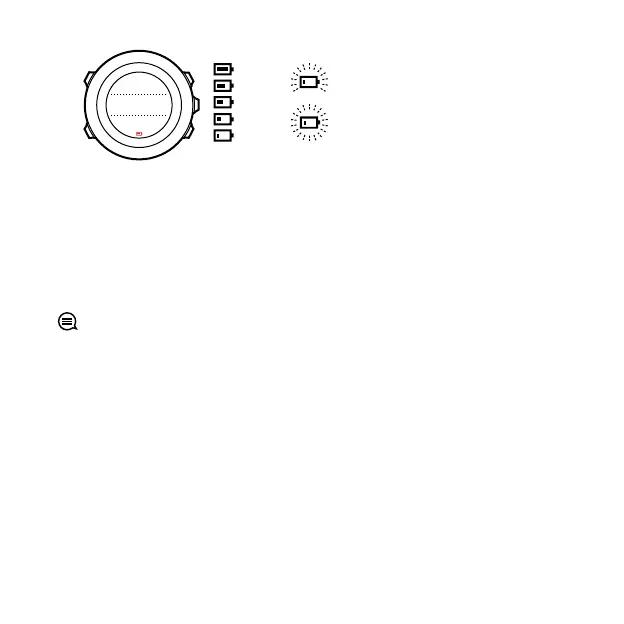
100%
76-100%
51-75%
26-50%
0-25%
<
10%
<
2%
30sec
When battery level drops very low during a recording, the watch
stops and saves the recording. The watch can still show time, but
buttons are deactivated.
Charge the battery by attaching it to your computer with the
supplied USB cable, or charge with a USB-compatible wall charger.
It takes approximately 2-3 hours to fully charge an empty battery.
TIP: You can change the GPS fix interval during a recording to
save battery life. See 3.18.3 GPS accuracy and power saving.
4.4 Getting support
To get additional support, visit www.suunto.com/support. There
you will find a comprehensive range of support materials, including
Questions and Answers and instruction videos. You can also post
questions directly to Suunto or email/call Suunto support
professionals.
There are also many how-to videos on the Suunto YouTube channel
at www.youtube.com/user/MovesCountbySuunto.
75



 To Next Page