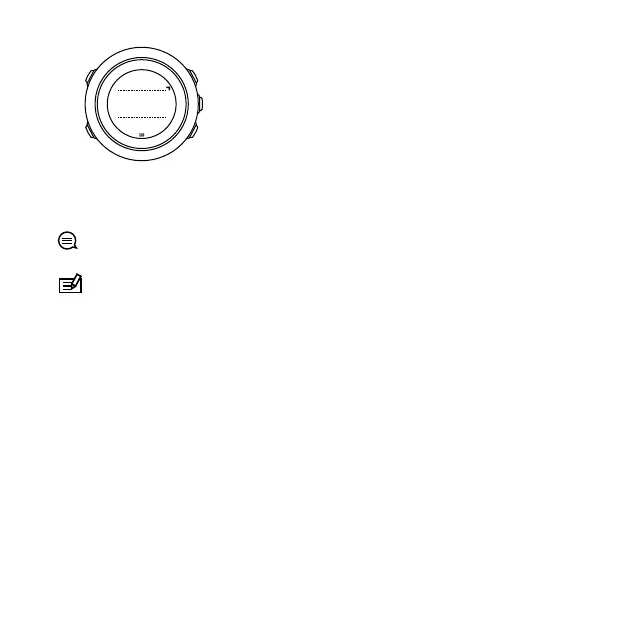
The default countdown time is five minutes. You can adjust this
time by pressing [VIEW].
TIP: You can pause/continue the countdown by pressing [START].
NOTE: Countdown timer is not available while activity
recording is ongoing.
3.8 Displays
Your Suunto Traverse Alpha comes with several different features,
such as compass (see
3.6 Compass
) and stopwatch (see
3.26 Stopwatch
). These are handled as displays that can be viewed
by pressing [NEXT]. Some of them are permanent, others you can
show or hide as you like.
To show/hide displays:
1. Press [START] to enter the start menu.
2.
Scroll to DISPLAYS by pressing [LIGHT] and press [NEXT].
3. In the list of display, toggle any feature on/off by scrolling to it
with [START] or [LIGHT] and pressing [NEXT].
32



 To Next Page