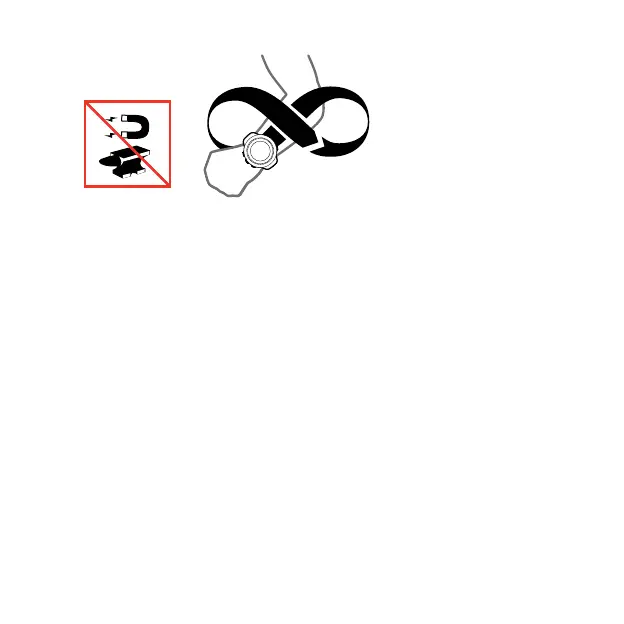
If the calibration is successful, the text Calibration successful is
displayed. If the calibration does not succeed, the text Calibration
failed is displayed. To retry the calibration, press [START].
If you have already calibrated the compass and want to re-calibrate
it, you can manually start the calibration process.
To manually start compass calibration:
1. Keep [NEXT] pressed to enter the options menu.
2.
Scroll to
NAVIGATION
with [START] and enter with [NEXT].
3.
Scroll to
Settings
with [LIGHT] and select with [NEXT].
4.
Scroll to
Compass
with [LIGHT] and select with [NEXT].
5.
Press [NEXT] to select
Calibration
.
3.6.2 Setting declination
To ensure correct compass readings, set an accurate declination
value.
Paper maps point to true north. Compasses, however, point to
magnetic north – a region above the Earth where the Earth’s
magnetic fields pull. Because magnetic North and true North are
28



 To Next Page