•
Buttons off: all events other than pushing buttons trigger tones/
vibration
3.31 Track back
With Suunto Traverse Alpha you can retrace your route any time
during a recording with the help of the breadcrumb display.
You can also navigate a track from the logbook with recorded
activities that include GPS data. Follow the same procedure as in
3.22.1 Navigating a route
. Scroll to Logbook instead of Routes, and
select a log to start navigating.
3.32 Weather indicators
In addition to the barometer graph (see
3.2.4 Using barometer
profile
), Suunto Traverse Alpha has two weather indicators:
weather trend and storm alarm.
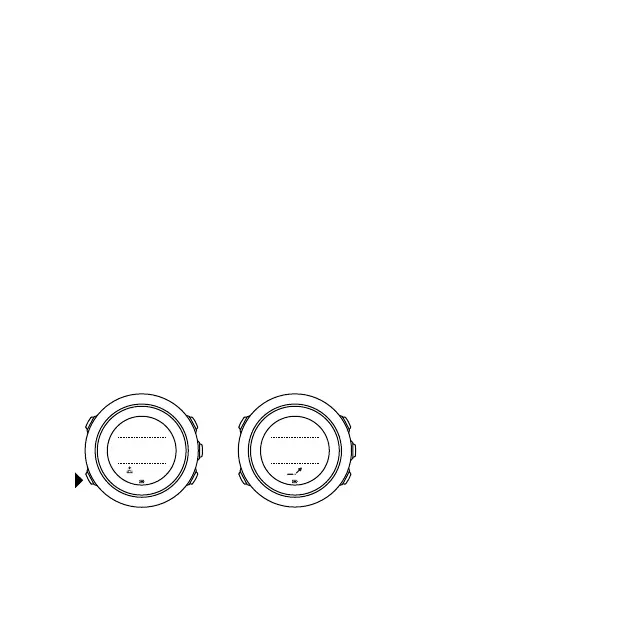
The weather trend indicator is displayed as a view in the time
display, providing you a quick way to check weather changes.
21:39
19:36
Tue 4.2.
19:36
Tue 4.2.
The weather trend indicator is comprised of two lines forming an
arrow. Each line represents a 3-hour period. A change in barometric
70



 To Next Page