You can change backlight color, when using red backlight, setting
the brightness to 10% makes it possible to view the backlight
through night vision goggles.
You can adjust the backlight brightness (in percent), either in the
watch settings under Tones/display » Backlight or in Movescount.
TIP: When the [BACK LAP] and [START] buttons are locked, you
can still activate the backlight by pressing [LIGHT].
NOTE: Setting the backlight color to red will not affect the
color of flashlight
Flashlight
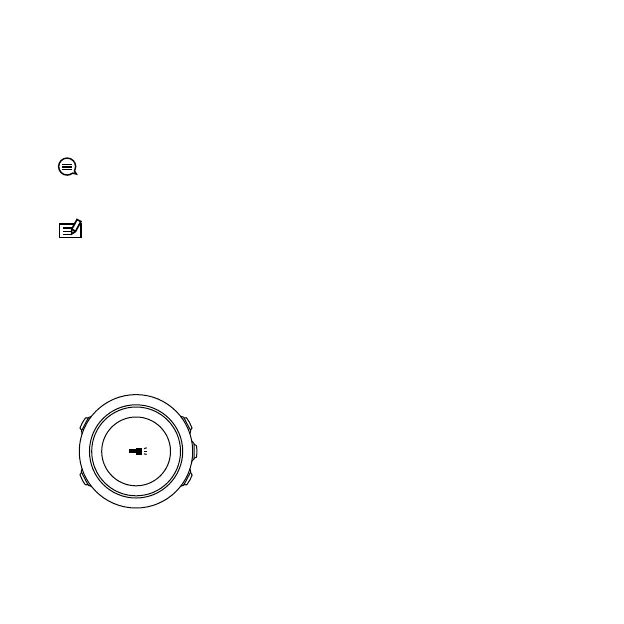
In addition to normal backlight modes, Suunto Traverse Alpha has
one additional mode where the backlight is automatically set to
maximum brightness and can be used as a flashlight. To activate the
flashlight, keep [LIGHT] pressed.
The flashlight stays on for about four minutes. You can turn it off at
any time by pressing [LIGHT] or [BACK LAP].
25



 To Next Page