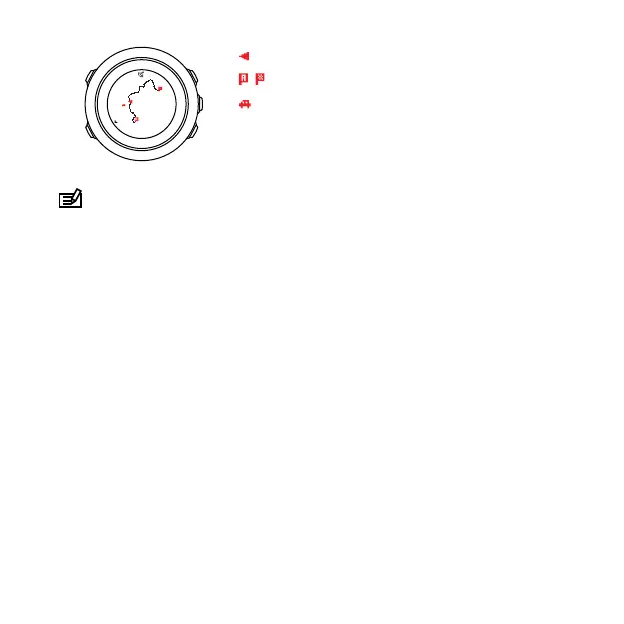
NOTE: In the full track view the north is always up.
Map orientation
You can change the map orientation in the options menu under
NAVIGATION » Settings » Map » Orientation.
•
Heading up: Displays the zoomed-in map with the heading
pointing up.
•
North up: Displays the zoomed-in map with the north pointing
up.
Ascent profile view
The ascent profile view shows you the following information:
1. Remaining ascent
2. Real-time altitude profile graph
3. Remaining descent
60



 To Next Page