76
3-3. Media operation
COROLLA_HV(TMUK)_OEM_MM_(EE)
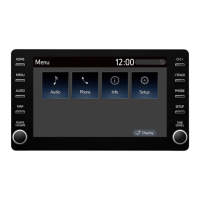
The Miracast
®
control screen can
be reached by the following meth-
ods: P. 57
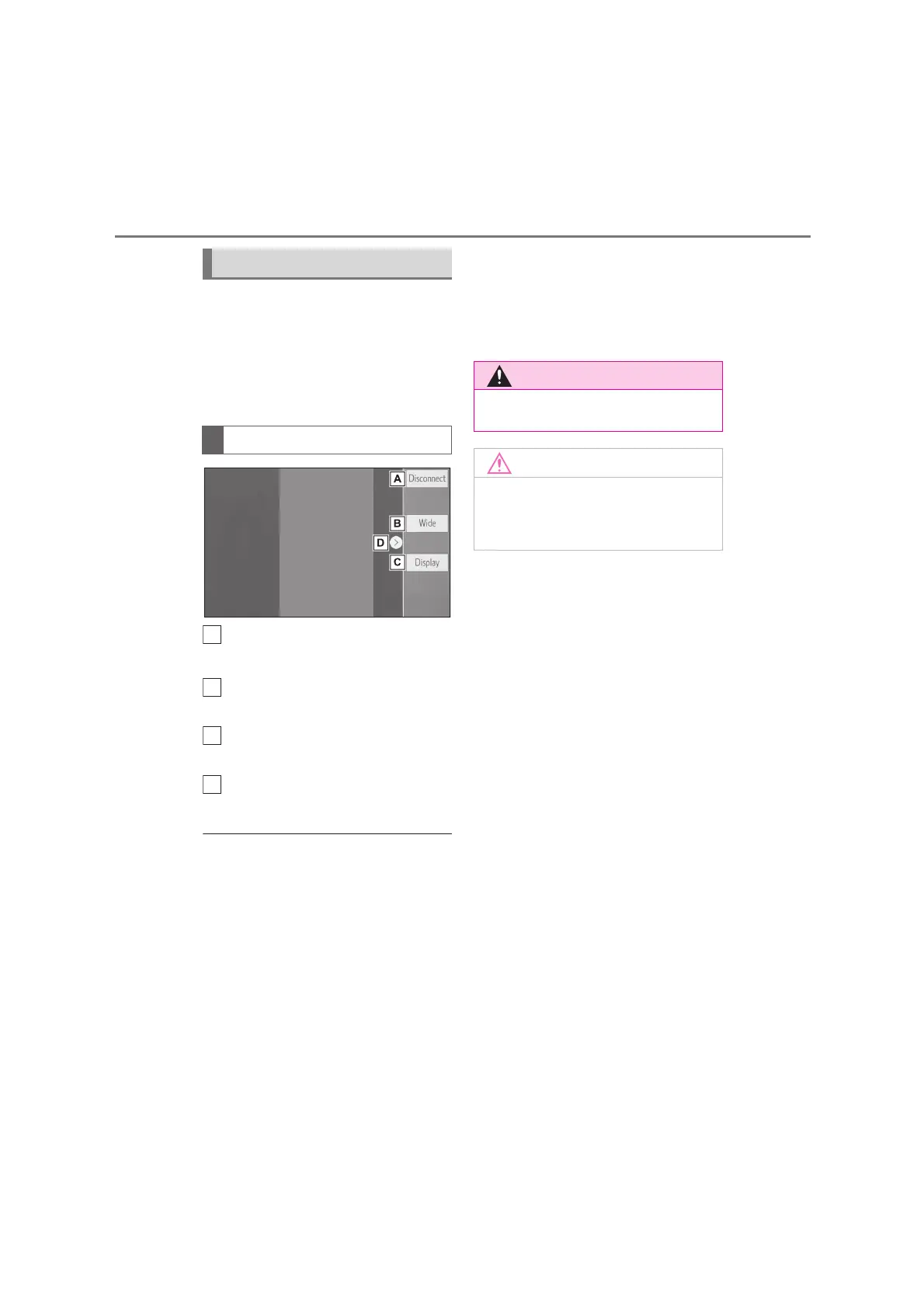
Connecting a Miracast
®
device
(P. 77)
Select to disconnect the
Miracast
®
device.
Select to change the screen
size. (P. 60)
Select to display the image qual-
ity adjustment screen. (P. 6 0 )
Select to display/hide the control
button.
●
The Miracast
®
sound volume takes
into account the sound volume of both
the system and the connected device.
Before using Miracast
®
, adjust the
sound volume of the connected
device to an appropriate level.
●
When a device that uses Bluetooth
®
audio is used with Miracast
®
, no
sound may be output from Miracast
®
.
If this occurs, disabling the Bluetooth
®
audio may allow sound to be output
from Miracast
®
.
●
The Miracast
®
screen displays the
same image that is sent from the
external device. If the external device
screen is vertically-oriented, the
screen may also display a vertical
image.
Overview
Control screen
A
D
●
Do not connect smartphone or
operate the controls while driving.
●
Do not leave your smartphone in
the vehicle. In particular, high tem-
peratures inside the vehicle may
damage the smartphone.


 To Next Page