Back to top
6
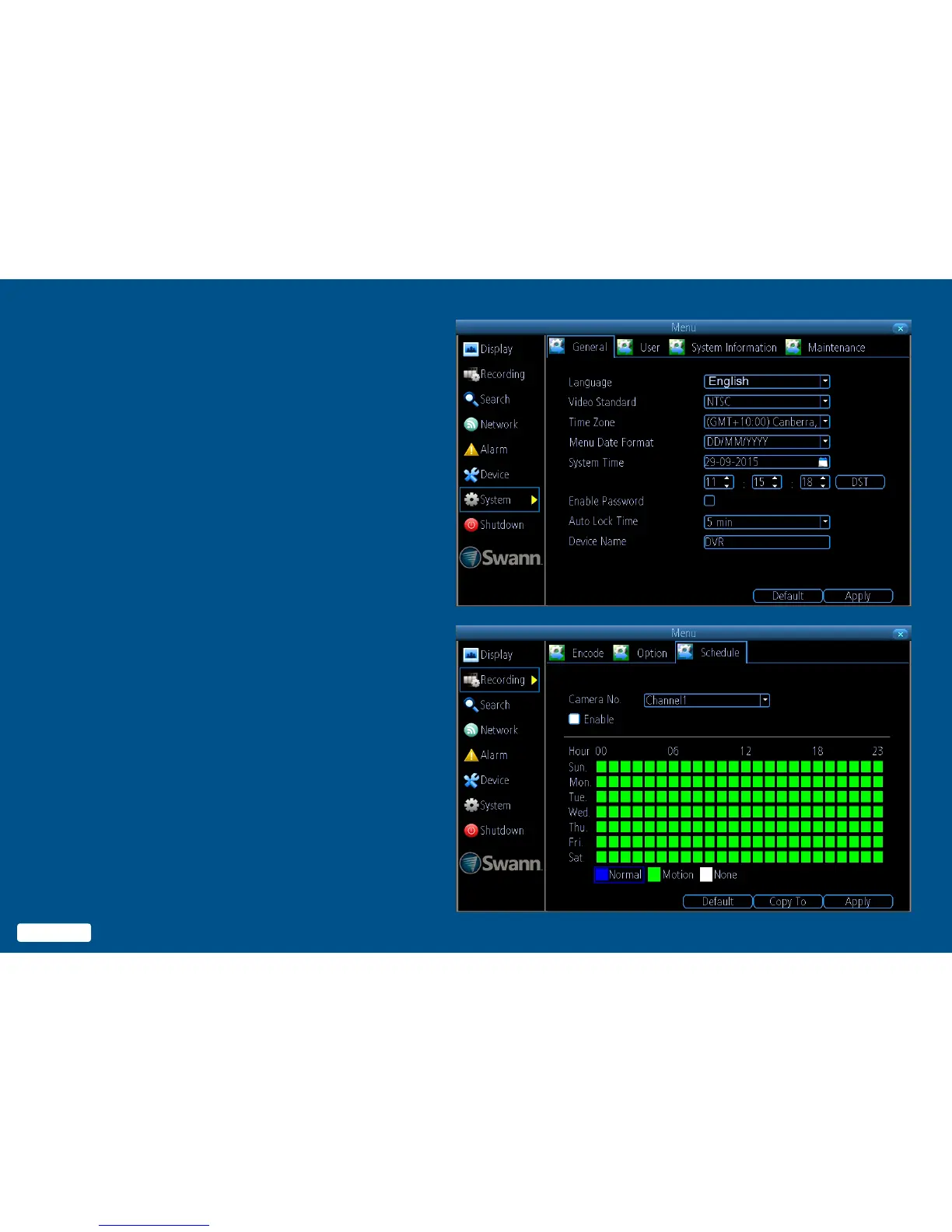
Menu
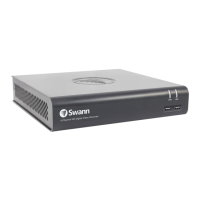
The Menu is where you control the
various actions and options that are
available on your DVR. You can also
access previously recorded video
for playback and to export to a USB
storage device such as a flash drive.
To maintain system integrity, a firm-
ware upgrade can be performed when
available and access to the shutdown
menu to restart or safely turn off your
DVR.
6
Back to top


 To Next Page