6
sWaP Nova user guide
www.s-w-a-p.co.uk
Contents
In-call options
During a call you can access a number of features by
tapping Option:
•Hold single call - Place the call on hold*
•End single call - End the current call
•New Call - Dial a new number*
•Phone Book - Access your Phone Book
•Message - Access your messages
•Sound Recorder - Record the call
•Call background sound - Select from a range of
sound effects to play in the background of your call.
In the call screen, you can also:
•Tap to re-display the numeric keypad.
•TapH-Free to activate the loudspeaker.
Tap H-Held to return to quiet mode.
*
Network support required.
Call history
Your sWaP Nova maintains records of all incoming,
outgoing and missed calls as well as text message
quantities and data usage. You can use these records
to make calls, populate your Phone book and/or keep
track of your call charges.
1 From the clock face, tap Menu.
2 Tap (twice, if necessary) to view the Call history
options:
•MissedCalls
•DialedCalls
•ReceivedCalls
•DeleteCallLog
•CallTime
•SMSCounter
•GPRSCounter
Select the required item to view a list of related options
or details.
Using the wired earphones
The supplied earphones and microphone can be used
to listen to music/videos/FM radio as well as making
and taking calls.
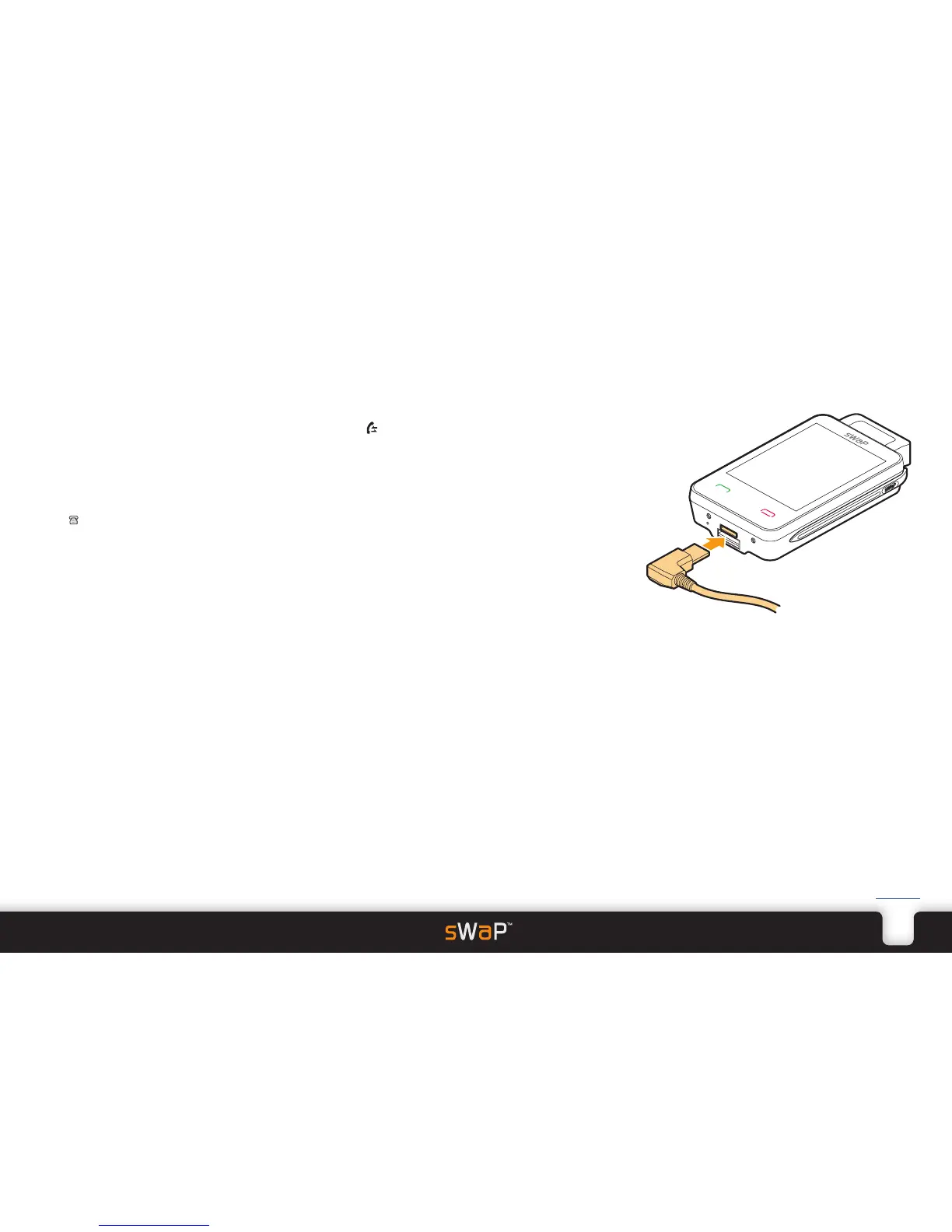
1 Carefully insert the right-angle plug of the earphones
into the Options port at the base of your sWaP Nova.
The small button on the microphone pod can be used
to answer* and terminate calls.
*
Within the Headset profile, if the Answer Mode
option is set to Auto, then calls will be answered
immediately - you can alter this. See the Settings
section for details.


 To Next Page