4 : 30
The menus of the room unit
Navigating in the menus of the room unit
Go to the main menu
Main menu
Setup
<Exit
Select>
..
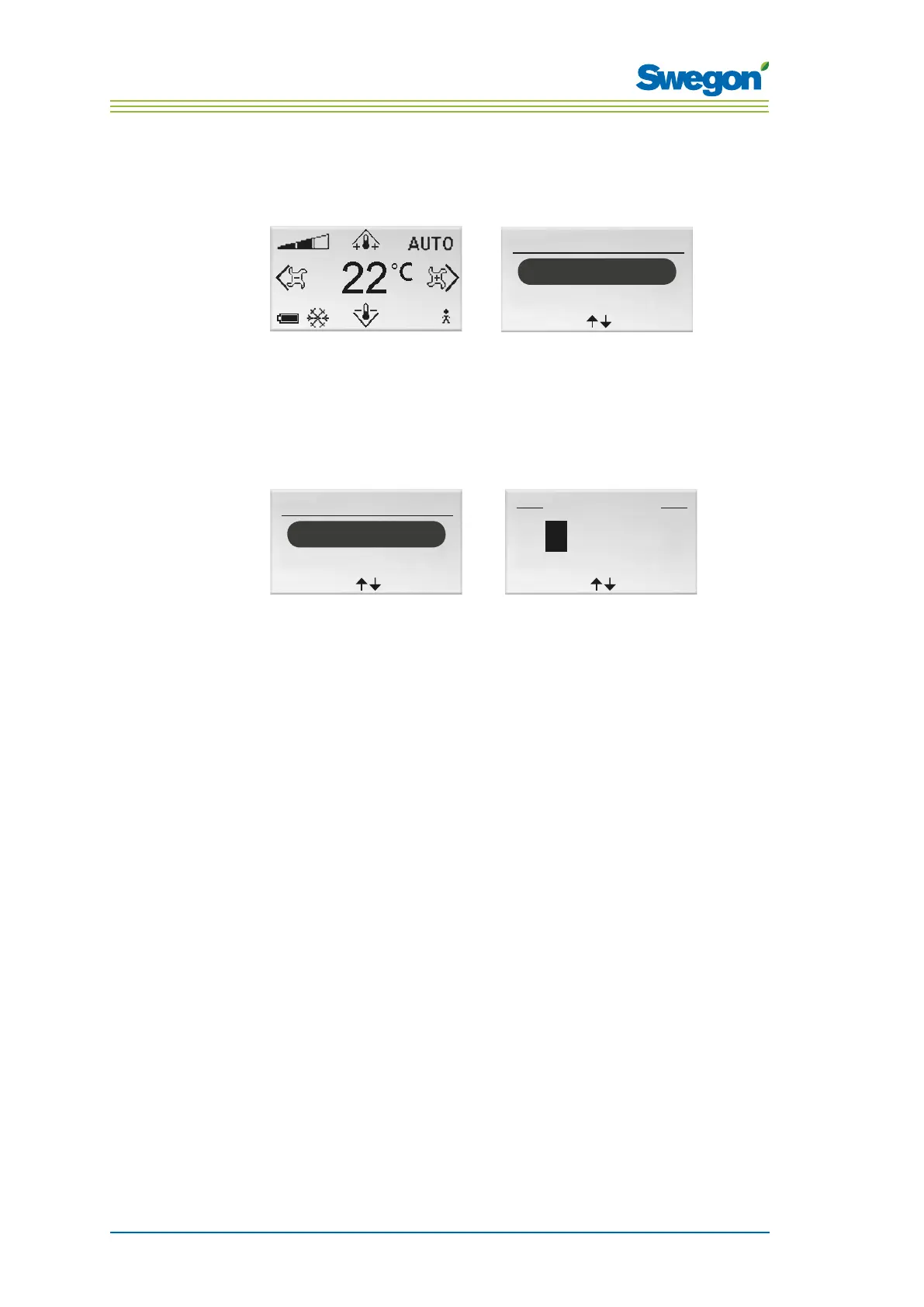
Figur 2. Main image and Main menu.
1. Press on the OK key while the main image is shown in the display and
hold the key pressed down for 3 seconds.
Go to the Service menu
A authorization code must be entered in order to reach the Service menu.
Main menu
Setup
<Exit
Select>
Press code
<Exit
>
9 1 9
1
Figur 3. The image for selecting Setup and to enter the code.
1. Go to the Main menu.
2. Highlight Setup.
3. Press OK or on the ►Right key.
4. Enter the first digit in the code by pressing the ▲ UP or ▼ DOWN key.
5. Mark the next digit position by pressing the ► Right key.
6. Enter the remaining three digits in the code.
7. Press OK to confirm the code.
If you have entered the correct code, the Service menu will be shown.
Otherwise the Main menu will be shown.



 To Next Page