5 : 49
Service
Indication on the controller
There are two indicating LEDs on the controller, one on the front (No.1) and
under the lid (No.2). The indications that can be shown, their importance
and their relation to the DIP switches (DIP) is as follows:
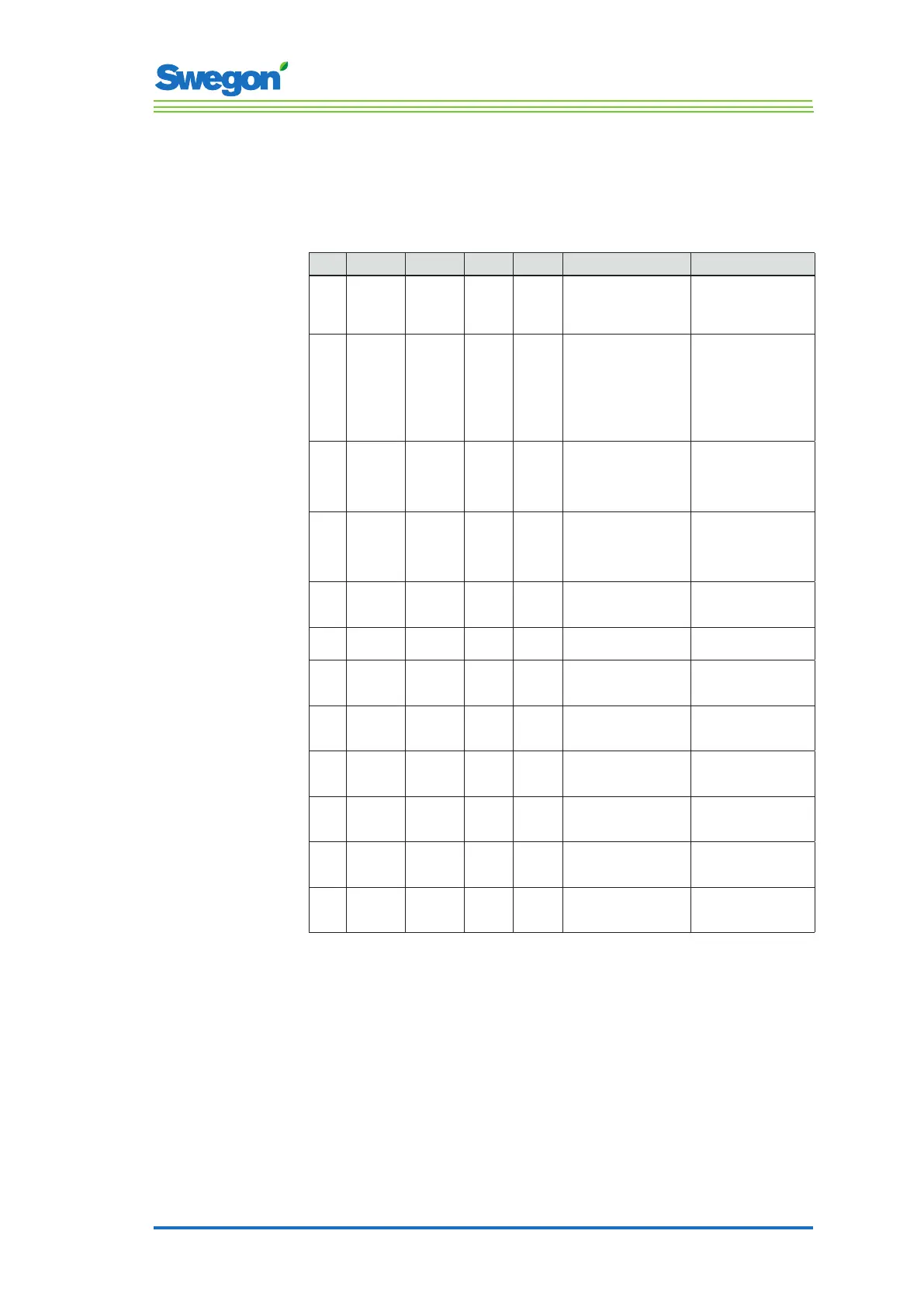
No. 1st 2nd DIP 1 DIP 2 Explanation Remarks
1. Green
flashing
for 1
second.
None. Off. Off. Normal operation. -
2. Red and
green
flashing.
None. Off. Off. Normal operation, but:
The room unit or
pressure sensor is
missing.
The temperature sensor
in the room unit is
defectiveive.
KTY sensor missing.
-
3. Red
flashing
for 1
second.
None. Off. Off. External memory error.
AC output signals are
incorrect.
MB-ID = 0 or higher
than 247.
X1 and X2 are “slaves”
and X3 is a “master”.
MB-ID is 1.
Set DIP 1 and DIP 2
to On.
4. Orange
flashing
for 1
second.
None. On. Off. Service position. All MB ports are
“slaves”, 38400n1.
Room unit does not
operate in the service
mode.
5. - - Off. On. BMS mode. The mode is
automatically activated
when required.
6. Light
orange.
Light
orange.
- - The controller lacks
bootloader or is in reset.
-
7. Green. Green. - - The controller has
bootloader but lacks
software.
MB-ID is same as in the
parameter file.
8. Orange. Green. On. - The controller has
bootloader but lacks
software.
MB-ID is forced to 1.
9. Fast
green
flashing.
Green. - - The parameter file is
being processed.
See to it that the power
supply is maintained.
10. - Red. - - The voltage is low
(Supply voltage is <13V).
Safety measure for the
AC output signals. All
signals are Off.
11. - Very rapid
green
flashing.
- - Radio Frequency
communication.
-
12. - Very
rapid red
flashing.
- - Further transmission
of MB.
-



 To Next Page