4 : 31
The menus of the room unit
Changes in the Main image
To set the desired room temperature
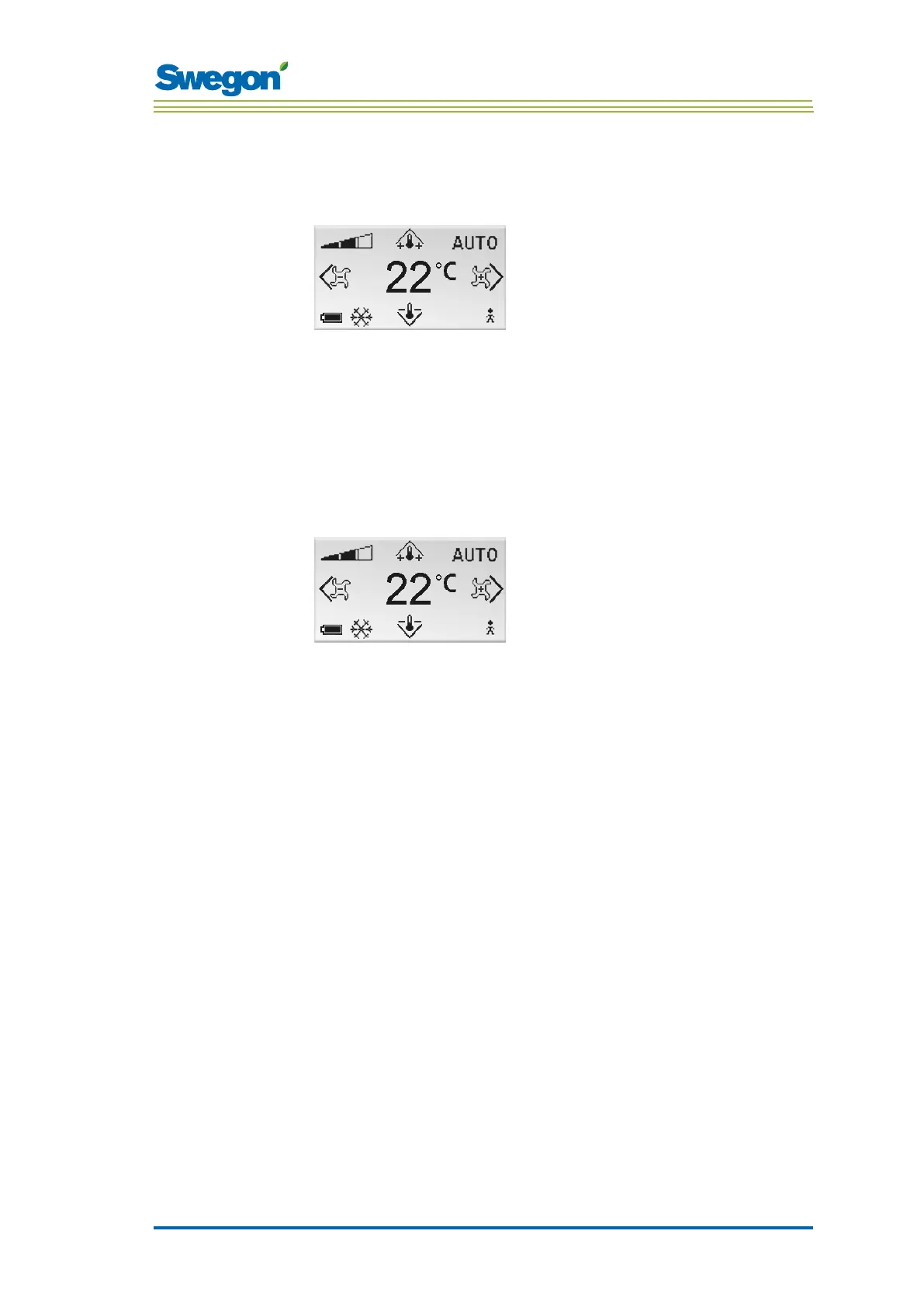
Figur 4. The Main image
1. Check that the main image is shown in the display.
2. Press on:
• The ▲ UP key to raise the temperature.
• The ▼ DOWN key to lower the temperature.
3. Press OK or wait 3 seconds to confirm the setting.
To set the desired airflow
Figur 5. Main image.
1. Check that the main image is shown in the display.
2. Press on:
• The ► Right key to increase the airflow.
• The ◄ Left key to decrease the airflow.
3. Press OK or wait 3 seconds to confirm the setting.
Low airflow corresponds to the ECON operating mode. Normal airflow
corresponds to th AUTO operating mode. High airflow corresponds to the
BOOST operating mode.



 To Next Page