4 : 33
The menus of the room unit
Adjust the air damper for extract air and change the
value for offset
Service Menu
<Exit
Select>
Regulator adjust
..
Settings
......................
..
<Previous
Next>
Econ EA % 20
Norm EA % 50
Boost EA % 80
OK select
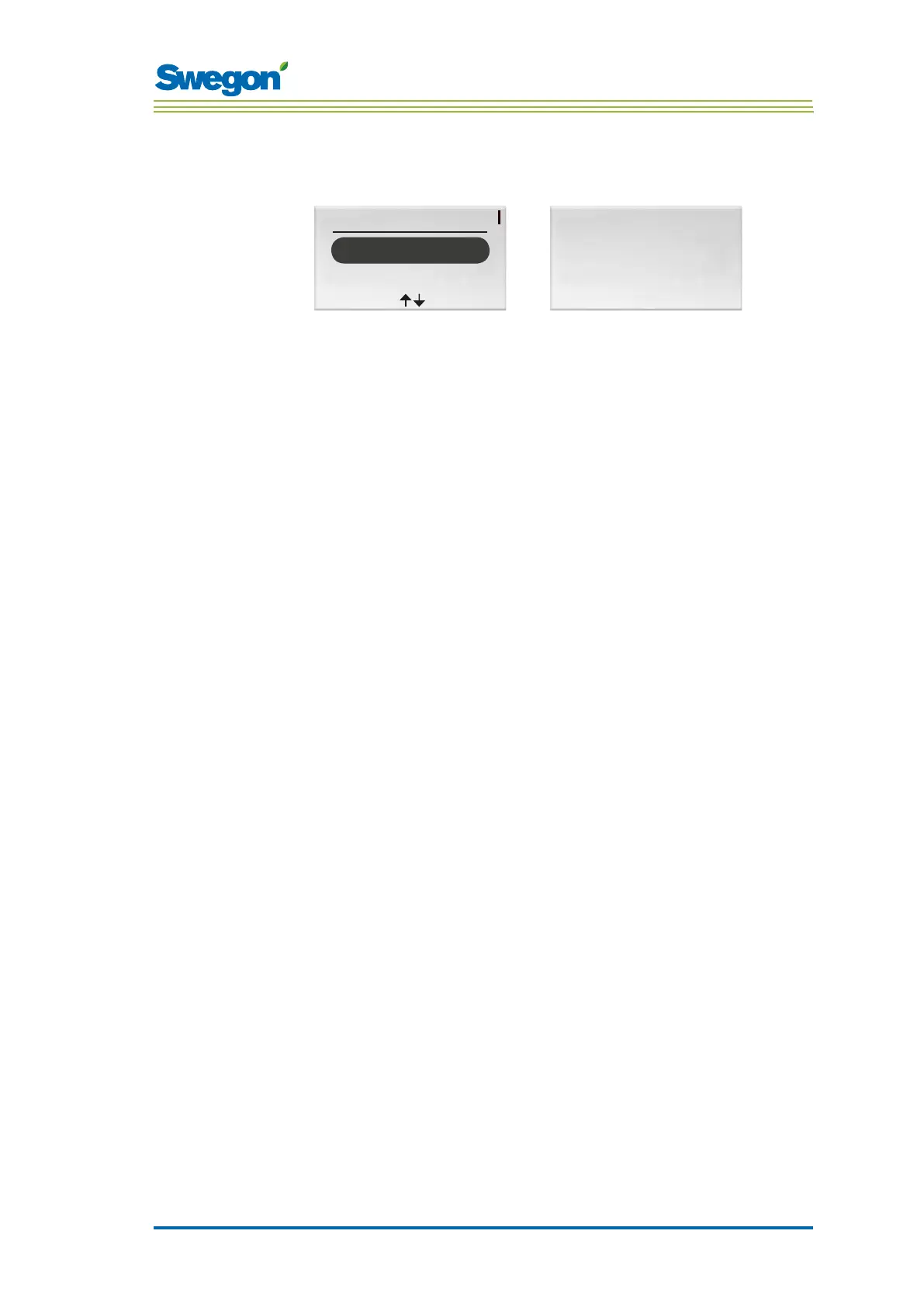
Figur 7. Image for selecting Regulator adjustment settings and image for setting the air
damper for extract air and the value for offset.
1. Go to the Service menu.
2. Highlight the Regulator adjustment settings.
3. Press OK or on the ► Right key.
4. Press the ► Right key twice for showing the image for setting the air
damper for extract air and offset.
5. Highlight the line of the value you want to change by pressing the
▲ UP key or the ▼ DOWN key.
6. Press OK to highlight the value.
7. Change to desired value.
8. Press OK to confirm the change.
9. Press the ◄ Left key twice to return to the Service menu.



 To Next Page