18
DISPLAY window
Direction nDIR? nDIR=x x=0 (none)
x=1 (internal)
x=2 (external)
Tolerance nUT? nUT=seee.ddddd
Nominal nNM? nNM= seee.ddddd
Lwr tolerance nLT? nLT?= seee.ddddd
Standard nMT? nMT?= seee.ddddd
Activate ctrl limits nLIMIT? nLIMIT=x x=0 (inactive)
x=1 (active)
Upper ctrl limit nUCL? nUCL= seee.ddddd
Lower ctrl limit nLCL? nLCL= seee.ddddd
Reference nREF? nREF= xxxxxxxx xxxxxxxx = part reference
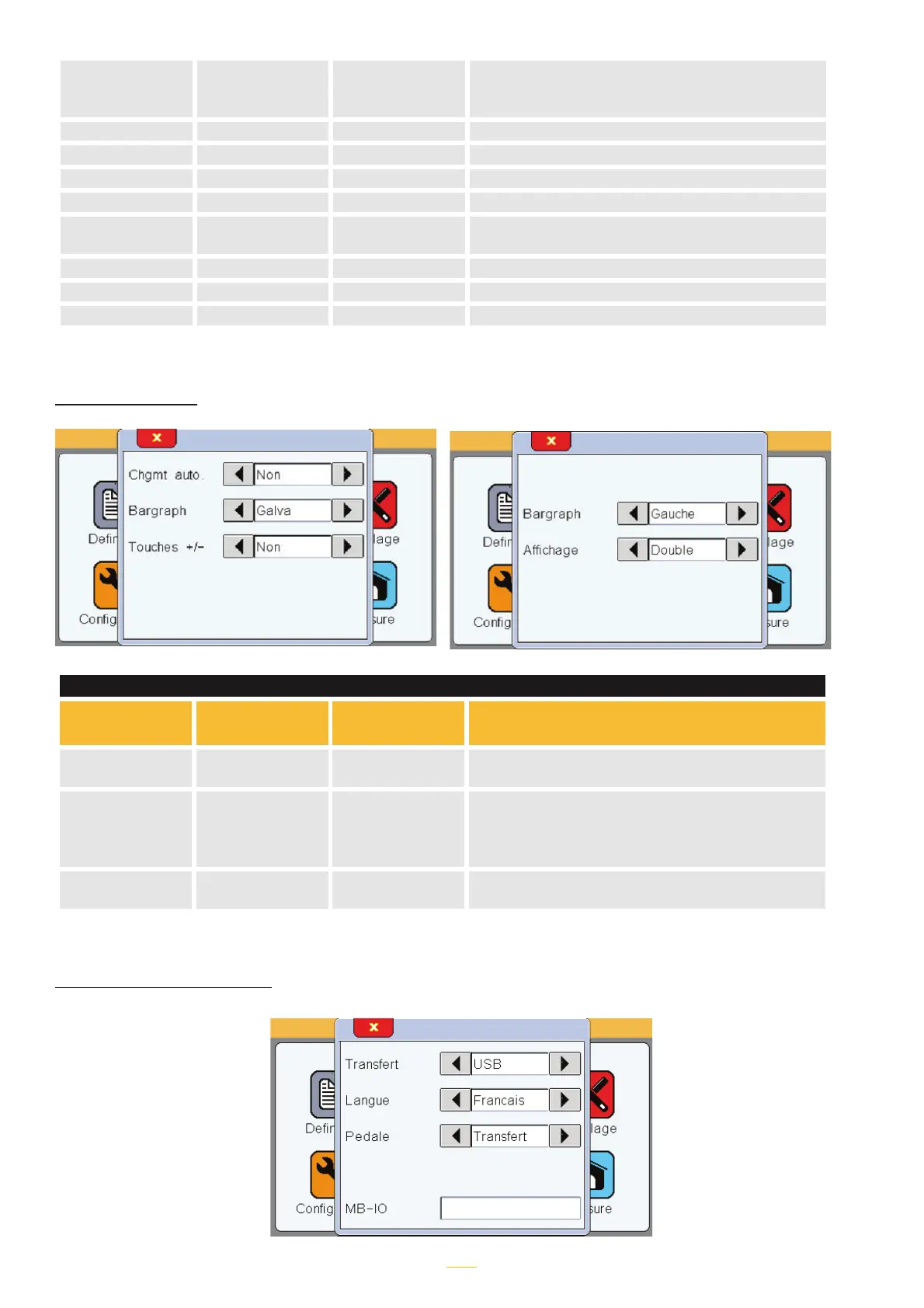
«Display» window
Item Read
command
Write
command
Comment
Chgmt AUTO? AUTO=x x=0 (manual)
x=1 (auto)
Bargraph BAR? BAR=x x=0 (left origin horizontal bar graph)
x=1 (centre origin horizontal bar graph)
x=2 (galvanometer)
x=3 (without = numerical value only)
Display DISPL? DISPL=x x=1 (display of two dimensions on 1 screen)
x=2 (display of two dimensions on 2 screens)
CONFIGURATION window



 To Next Page