«Measurement screen» window
Item Read
command
Write
command
Comment
Zero ZERO Relative zero
Clear CLR Dynamic measurement
Preset PRESET Calibration
Print ?
Range G1
G2
Range1
Range 2
Switch off OFF Switches the equipement off
The D70 for inductive probes is delivered calibrated with the desired probe type.
For best results it is possible to recalibrate the display with your reference sensor to have ho-
mogeneity in your set of displays or to pair a sensor and display assembly.
Attention: After this procedure, the original calibration of your D70 will be irretrievably lost and
replaced by the values from your operation. This function should therefore be used with care.
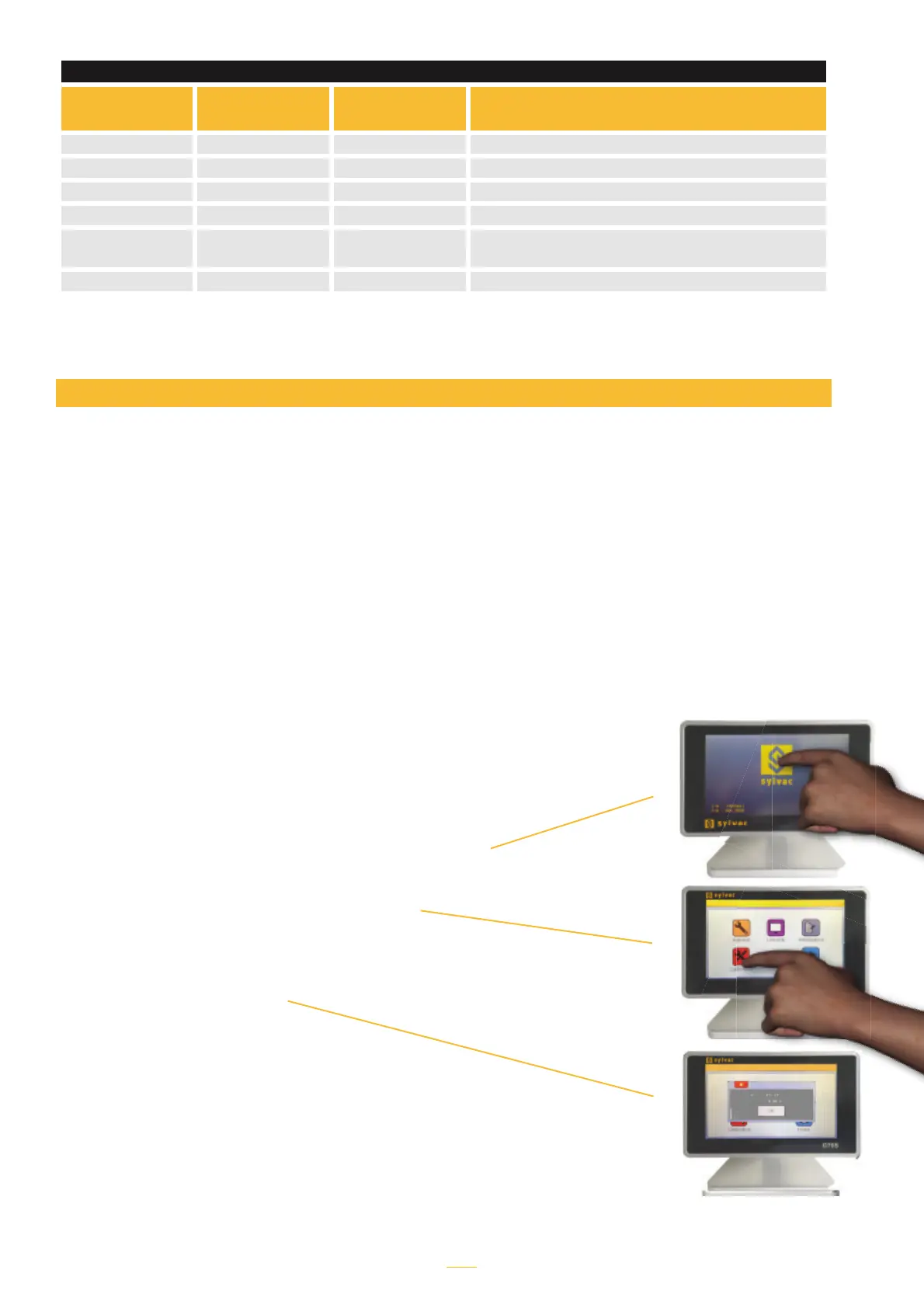
Display calibration / Pairing with a probe
For this, follow the procedure below:
1. Switch off the D70
2. Switch on the D70
3. When the start screen appers, press Sylvac Logo
4. A desktop with five icons appears, press
«Calibration».
5. The following screen appears
The probe position is displayed:
- Position the value at zero
- Place a 1mm gauge block under the probe
(or move the probe 1mm using a
precision movement system).
- Press OK
- The D70 is now recalibrated
Press the Home icon to return to the standard
D70 menu.



 To Next Page