E
21
The D70 allows probe linearity correction by entering a correction table containing up to 25 points.
(not available on version H)
This allows a significant improvement in the performance of the related probes.
Linearisation / Correction table
For this, follow the procedure below:
1. Switch off the D70
2. Switch on the D70
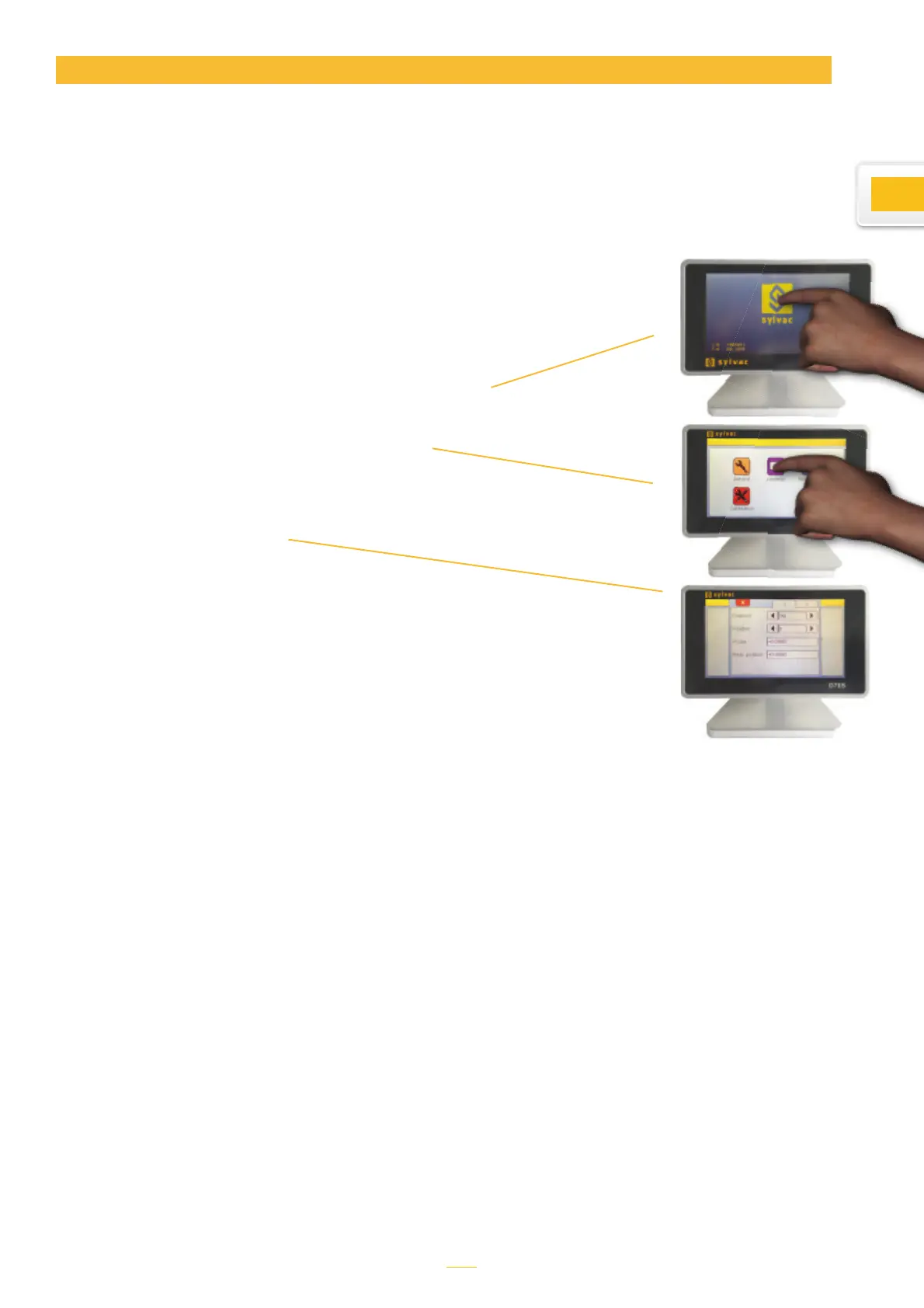
3. When the start screen appers, press Sylvac Logo
4. A desktop with five icons appears, press
«Calibration».
5. The following screen appears
To activate the linearisation function, choose
«Enabled» = «Yes».
Then you can enter up to 25 correction points.
For this go to a position corresponding to a point,
the uncorrected probe value will be displayed in
the «Probe» box. Then enter the real value in the
«Real position» box.
To finish, use the white cross to close the win-
dow, then press the Home icon to return to the
standard D70 menu.



 To Next Page