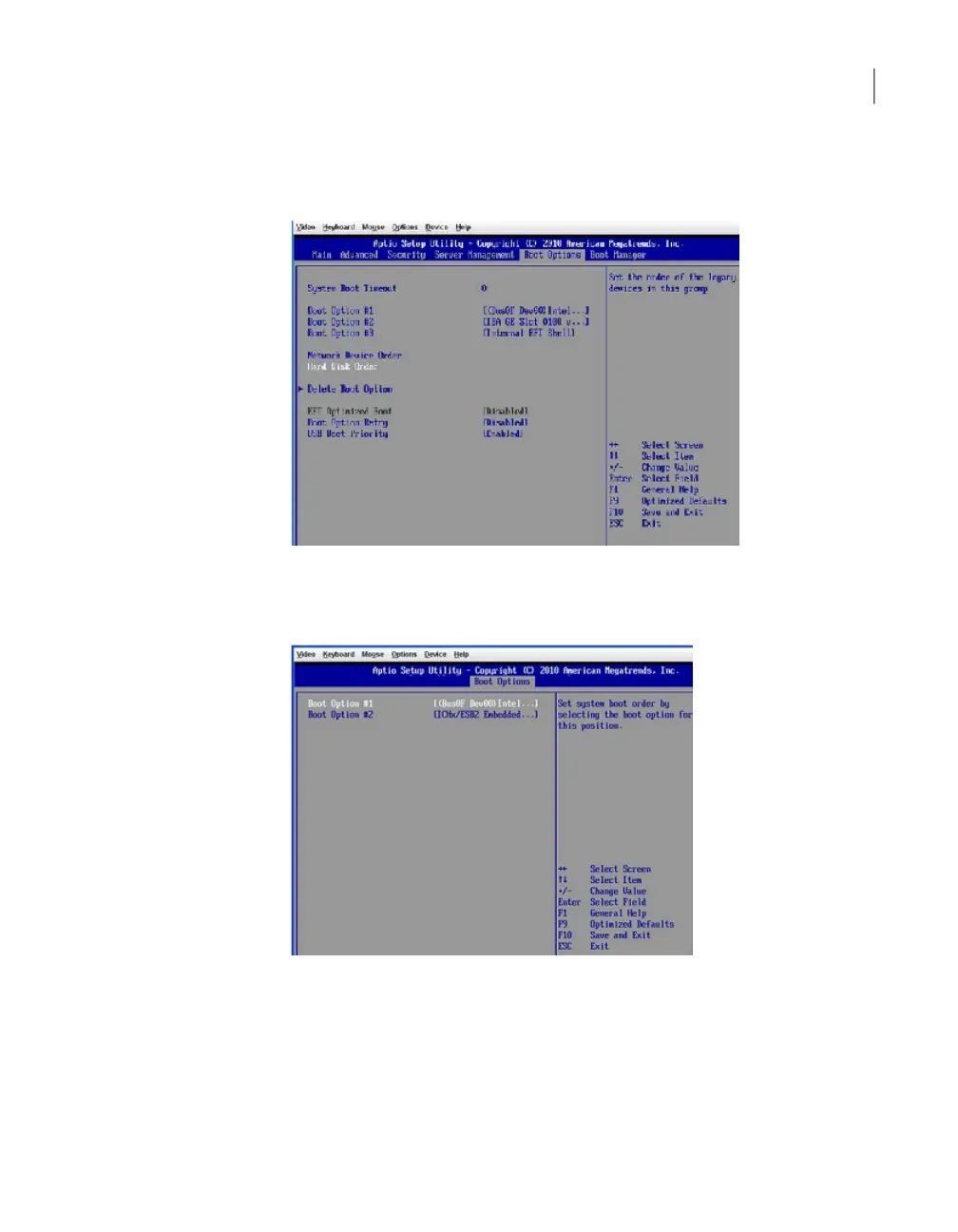
7
On the Boot Options screen, press the down arrow key until Hard Disk Order
is highlighted, then press Enter.
8
On the following screen, press the up or down arrow key until Boot Option #1
is highlighted, then press Enter.
64Troubleshooting the NetBackup Appliance setup and configuration issues
Resolving a boot order change problem



 To Next Page