10
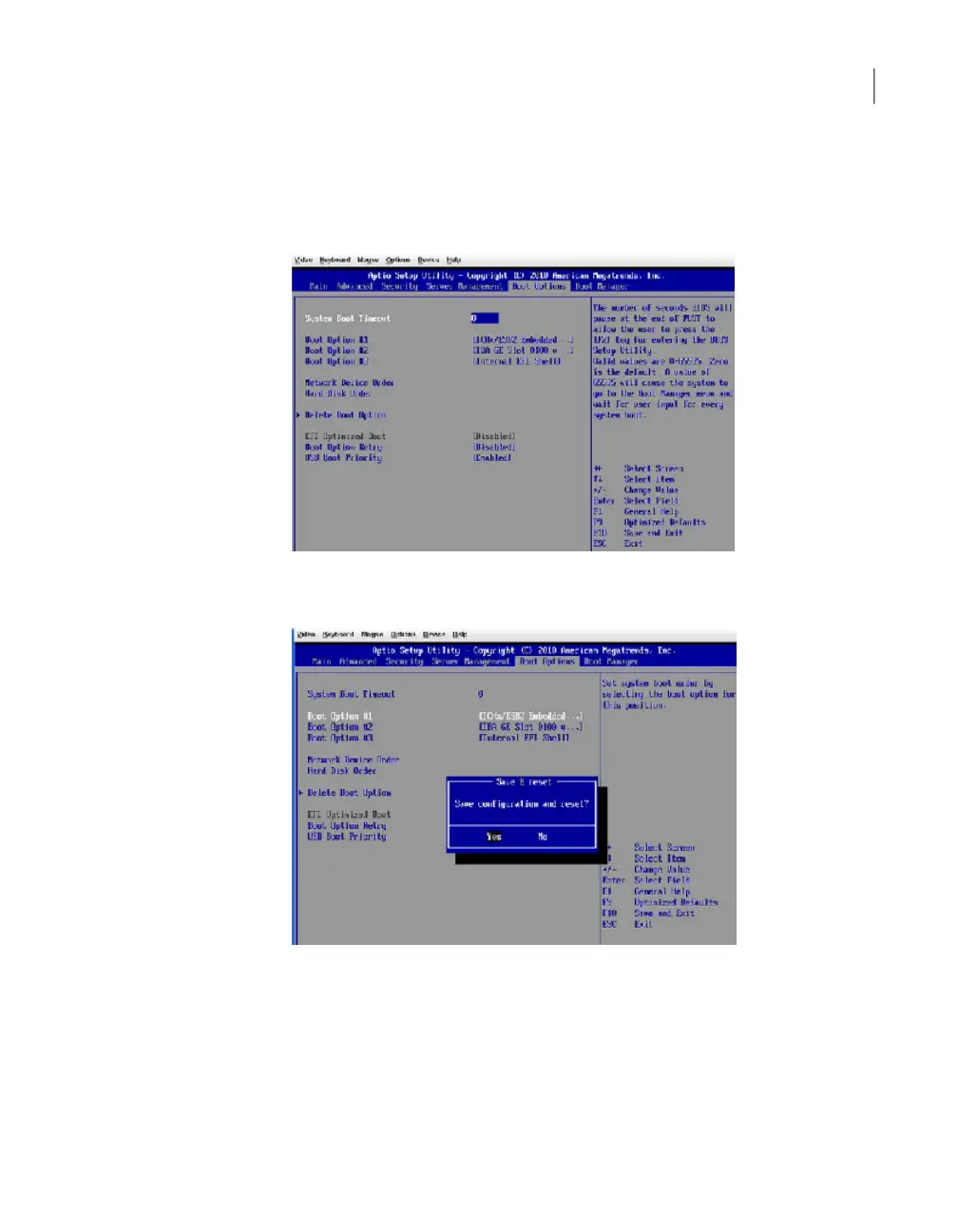
Return to the Boot Options tab by pressing ESC.
The correct boot order should now appear with the ICHx/ESB2 Embedded
RAID set as Boot Option #1.
11
Press F10 to save this configuration and exit from the setup.
The appliance restarts automatically and should boot successfully.
About a login error message that does not go away
You may encounter a login error message that states the following, "Please try after
5 minutes". If you receive this error message, and it does not disappear after five
minutes, then you can use the following procedure to diagnose the issue.
66Troubleshooting the NetBackup Appliance setup and configuration issues
About a login error message that does not go away



 To Next Page