EasyManua.ls Logo

Symbol LS4278 - User Manual

Symbol LS4278
420 pages
Print Icon
To Next Page IconTo Next Page
Loading...
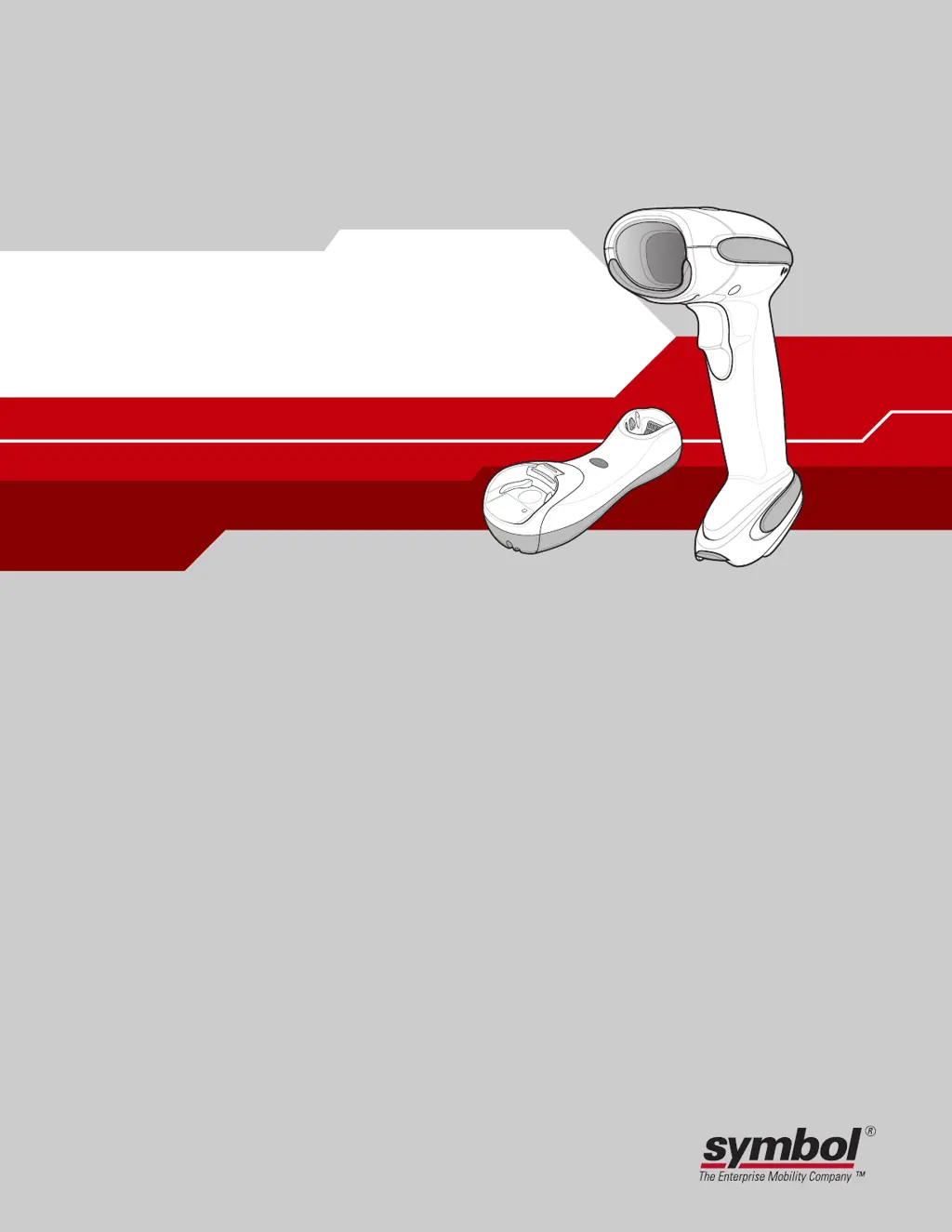
LS4278
Product Reference Guide

Table of Contents

Other manuals for Symbol LS4278

Questions and Answers

  • X
    xlewisSep 10, 2025
    What does it mean when Symbol Barcode Reader emits high/high/high/low beeps?
    • T
      thowellSep 10, 2025
      High/high/high/low beeps from your Symbol Barcode Reader indicate an RS-232 receive error, which is normal during host reset. Otherwise, set the scanner's RS-232 parity to match the host setting.
  • D
    Daniel BrooksSep 9, 2025
    What does it mean when my Symbol Barcode Reader emits low/high/low beeps?
    • A
      Aimee NelsonSep 9, 2025
      Low/high/low beeps from your Symbol Barcode Reader can indicate an ADF transmit error or an invalid ADF rule is detected.
  • B
    belllauraSep 8, 2025
    Why does my Symbol LS4278 emit five long low beeps after decoding?
    • W
      Walter KhanSep 8, 2025
      Five long low beeps after a bar code is decoded indicate a conversion or format error. This means the scanner’s conversion parameters are not properly configured, or an ADF rule was set up with characters that can't be sent for the host selected, or a bar code was scanned with characters that can't be sent for that host. Ensure the scanner’s conversion parameters are properly configured. Change the ADF rule, or change to a host that can support the ADF rule. Change the bar code, or change to a host that can support the bar code.
  • W
    Wayne ThompsonAug 22, 2025
    What to do if symbol is decoded but not transmitted to the host using Symbol Barcode Reader?
    • J
      johnperezAug 23, 2025
      If the decoded symbol isn't being transmitted to the host, consider these potential solutions: * Verify that the cradle is programmed for the correct host interface. * Pair the scanner to the cradle using the PAIR bar code on the cradle. * Ensure all cable connections are secure. * If the cradle has lost connection to the host, disconnect the power supply, then the host cable, wait three seconds, reconnect the host cable, reconnect the power supply, and reestablish pairing.
  • J
    Jesse NelsonSep 5, 2025
    What does it mean when Symbol Barcode Reader emits high/low beeps?
    • J
      John ShieldsSep 5, 2025
      High/low beeps from your Symbol Barcode Reader typically indicate the scanner is buffering Code 39 data or a keyboard parameter is selected, which is normal. Alternatively, if there is a Bluetooth disconnection event, move the scanner back into range of the remote device. In Master (SPP/HID) mode, re-pair the scanner and cradle by scanning the PAIR bar code on the cradle and check cradle power. In Slave (SPP/HID) mode, reestablish the connection between the scanner and remote device from the remote device side.
  • W
    William BennettSep 4, 2025
    What does it mean when my Symbol Barcode Reader emits long low/long high beeps?
    • L
      Lindsay LewisSep 4, 2025
      Long low/long high beeps from your Symbol Barcode Reader indicate an input error, meaning an incorrect bar code or Cancel bar code was scanned; scan the correct numeric bar codes within range for the parameter programmed. This beep sequence can also indicate a page timeout, meaning the remote device is out of range or not powered; move the scanner back into range of the remote device, try to reconnect, and check the remote device configuration.
  • L
    Laurie KingSep 3, 2025
    Why doesn't the laser appear when I pull the trigger on my Symbol LS4278 Barcode Reader?
    • V
      Vanessa TylerSep 3, 2025
      If the laser does not appear when the trigger is pulled on your Symbol Barcode Reader, check the system power and reconnect the power supply if needed. Ensure the correct host interface cable is used. Also, check for loose cable connections and re-connect them.
  • E
    Evan DennisSep 2, 2025
    Why does Symbol LS4278 emit four long low beeps?
    • H
      Helen GambleSep 2, 2025
      Four long low beeps from your Symbol Barcode Reader indicate a transmission error was detected in a scanned symbol, and the data is ignored. This often occurs if the unit is not properly configured, so check the option settings. It can also mean the scanner is out of range, not paired to the cradle, or not connected to a remote Bluetooth device; move the scanner back into range or scan the PAIR bar code on the cradle. This beep sequence can also mean the cradle did not receive transmitted data; check the host system for receipt of transmitted data, and if it was not received, re-scan the bar code.
  • B
    Brandon JohnsonSep 1, 2025
    What to do if nothing happens when trigger is pulled on Symbol Barcode Reader?
    • J
      James ArellanoSep 1, 2025
      If nothing happens when you pull the trigger on your Symbol Barcode Reader, check the system power and reconnect the power supply if required. Inspect the interface/power cables for loose connections and re-connect them. If using Synapse or IBM-468x mode, enable the scanner via the host interface. Also, ensure that the end cap to the battery chamber is secured.
  • S
    Sandra PattersonAug 30, 2025
    How to fix Symbol LS4278 Barcode Reader when it emits laser but doesn't decode?
    • A
      Amanda PerezAug 31, 2025
      If your Symbol Barcode Reader emits the laser but does not decode the bar code, ensure the scanner is programmed for the correct bar code type. If the bar code symbol is unreadable, scan test symbols to check if the bar code is defaced. Adjust the distance between the scanner and the bar code, and ensure the scan line crosses every bar and space of the symbol by adjusting the symbol's position.

Summary

About This Guide

Introduction to the Guide

Introduces the LS4278 Product Reference Guide and its purpose.

Chapter Descriptions Overview

Provides an overview of the content and structure of each chapter in the manual.

Notational Conventions Used

Explains the conventions used throughout the document for clarity and consistency.

Chapter 1: Getting Started

Scanner and Cradle Introduction

Overview of the LS4278 scanner's capabilities and ergonomic design.

Unpacking and Inspecting the Scanner and Cradle

Instructions for removing and inspecting the scanner and cradle for damage.

Connecting the Scanner Cradle

Step-by-step guide for connecting the cradle to host devices and power sources.

Replacing the Scanner Battery

Detailed instructions on how to safely remove and replace the scanner's battery.

Chapter 2: Scanning

Scanning Introduction and Overview

Overview of beeper and LED definitions, scanning techniques, and decode zone information.

Beeper Definitions for Scanner Status

Defines various beep sequences and their meanings for status indication.

LED Indicators for Scanning Status

Explains the meaning of different LED colors and patterns displayed during scanning.

Hand-Held Scanning Procedures

Instructions on how to aim and scan bar codes using the scanner in hand-held mode.

Chapter 3: Maintenance, Troubleshooting & Technical Specifications

Maintenance Procedures for Scanner and Cradle

Provides guidelines for cleaning the scanner window and handling the cradle.

Troubleshooting Common Scanner Issues

Lists common problems, their causes, and potential solutions for scanner and connection issues.

Technical Specifications of the LS4278

Details the physical, performance, and environmental specifications of the scanner and cradle.

Chapter 4: Radio Communications

Radio Communications Introduction

Information on wireless communication modes, features, and parameters for scanner configuration.

Radio Communication Parameter Defaults

Lists default settings for radio communication parameters for easy reference.

Configuring Radio Communications Host Types

Explains how to set up scanner communication with different host types via Bluetooth.

Chapter 5: User Preferences

User Preferences Introduction

Describes user preference features and programming bar codes for scanner customization.

User Preferences Default Parameters

Instructions for resetting the scanner to factory or custom default parameters.

Beeper Tone Configuration

Allows selection of the decode beep frequency (tone) for user feedback.

Chapter 6: Keyboard Wedge Interface

Keyboard Wedge Interface Introduction

Instructions for programming the cradle for keyboard wedge host interface.

Connecting the Keyboard Wedge Interface

Step-by-step guide for connecting the scanner cradle using a Y-cable.

Chapter 7: RS-232 Interface

RS-232 Interface Introduction

Instructions for programming the cradle for interfacing with an RS-232 host.

Connecting the RS-232 Interface

Guide on how to connect the scanner cradle directly to a host computer via RS-232.

Chapter 8: USB Interface

USB Interface Introduction

Instructions for programming the cradle to interface with a USB host.

Connecting the USB Interface

Details on connecting the scanner cradle to USB capable hosts and operating systems.

Chapter 13: Symbologies

Symbologies Introduction

Describes symbology features and provides programming bar codes for selection.

Symbology Parameter Defaults

Lists the default settings for all symbology parameters.

UPC;EAN Symbology Configuration

Configuration options for enabling/disabling UPC-A and UPC-E symbologies.

Chapter 14: Advanced Data Formatting

Advanced Data Formatting (ADF) Introduction

Explains Advanced Data Formatting (ADF) for customizing data before transmission.

Using ADF Bar Codes for Rules

Provides an example of entering and using ADF rules via bar codes.

Appendix A: Standard Default Parameters

Standard Default Parameters Table

A comprehensive table listing default parameters for various interfaces and features.

Appendix B: Programming Reference

Symbol Code Identifiers Reference

Lists character codes used to identify different symbologies.

AIM Code Identifiers and Modifiers

Provides AIM code identifiers and modifier characters for data interpretation.

Appendix C: Sample Bar Codes

Sample Code 39 Bar Code

Example bar code for Code 39 symbology.

Sample UPC;EAN Bar Codes

Example bar codes for UPC/EAN symbologies including UPC-A and EAN-13.

Appendix D: Numeric Bar Codes

Numeric Bar Codes for Parameter Input

Bar codes representing numeric values 0-9 for parameter input.

Cancel Bar Code for Input Correction

Bar code to cancel an input selection or correct an error.

Appendix E: Alphanumeric Bar Codes

Alphanumeric Keyboard Bar Codes

Bar codes representing alphanumeric characters for data entry.

Appendix F: ASCII Character Sets

ASCII Value Standard Default Parameters Table

Table mapping ASCII values to Code 39 encode characters and keystrokes.

Symbol LS4278 Specifications

General IconGeneral
Scanner TypeLaser
Scan PatternSingle Line
Light Source650 nm visible laser diode
Scan Rate200 scans per second
Decode Capability1D Barcodes
Operating Temperature32° to 122° F (0° to 50° C)
Storage Temperature-40° to 158° F (-40° to 70° C)
Resolution4 mil
ConnectivityBluetooth
Radio RangeUp to 50 feet (15 meters)
BatteryLithium-ion
Humidity5% to 95% (non-condensing)
Drop SpecificationMultiple 5 ft./1.5 m drops to concrete
InterfaceUSB, RS-232, Keyboard Wedge
Dimensions18.5 cm H x 9.7 cm W x 6.9 cm D

Related product manuals