Chapter 7 Basic Operation
SA-90 Instructions for Use
32/
46
7.2 Startup
7.2.1 Inspection prior to turning on the power
Before turning on the power of the instrument, check the following:
• Power cable and LAN cable connections
• No objects on top of the instrument?
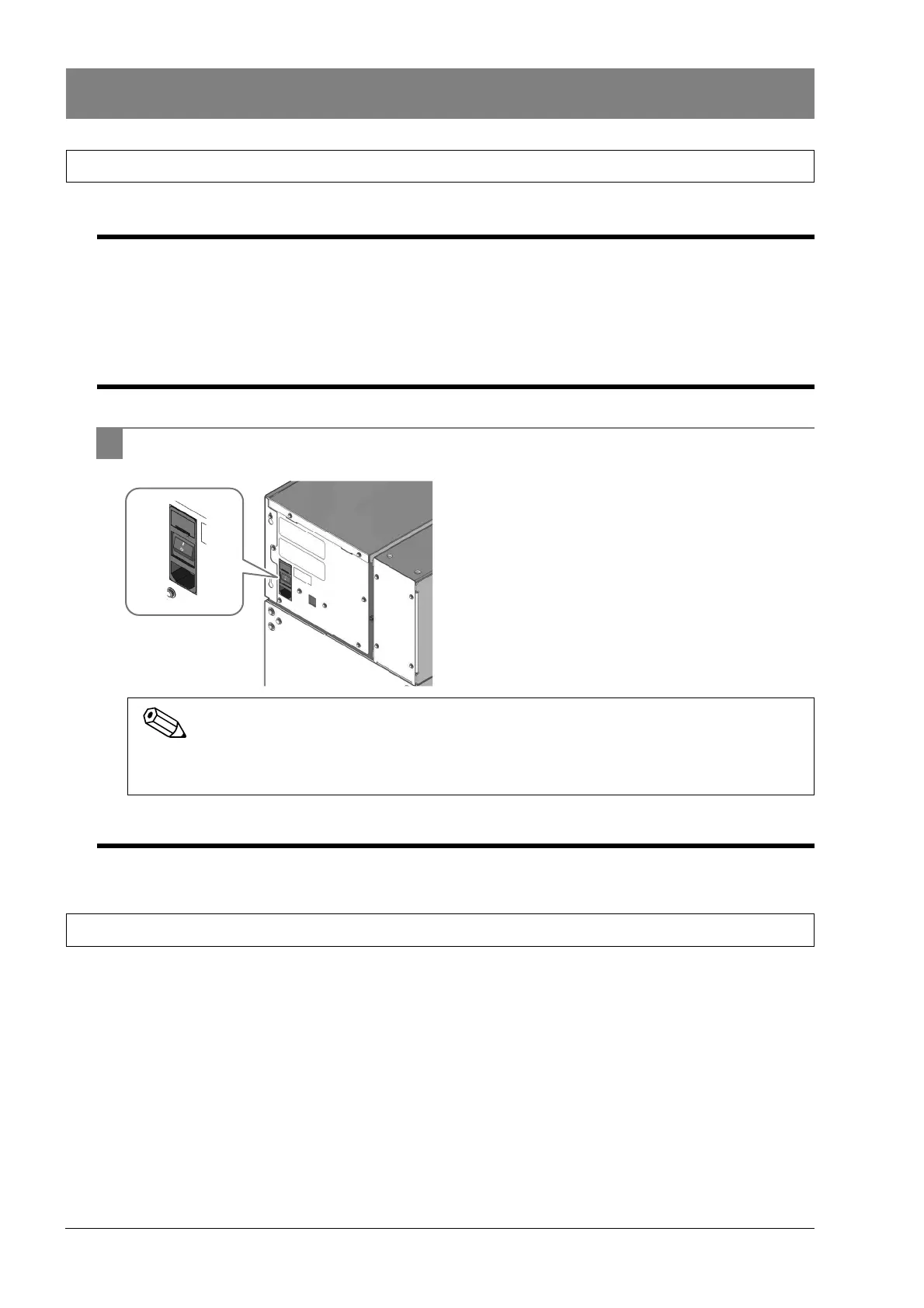
7.2.2 Turning on the power
1 Turn on the main power switch of the instrument.
7.2.3 Executing mechanical initialization
The mechanical units move to their initial positions and a system check is performed.
7.3 Turning off the power
Turn off the main power switch.
After the instrument starts, connection to the CN-3000, CN-6000, CN-3500 or CN-6500 is performed
periodically.



 To Next Page