Chapter 7 Basic Operation
SA-90 Instructions for Use
31/
46
Chapter 7 Basic Operation
7.1 Flow of basic operation
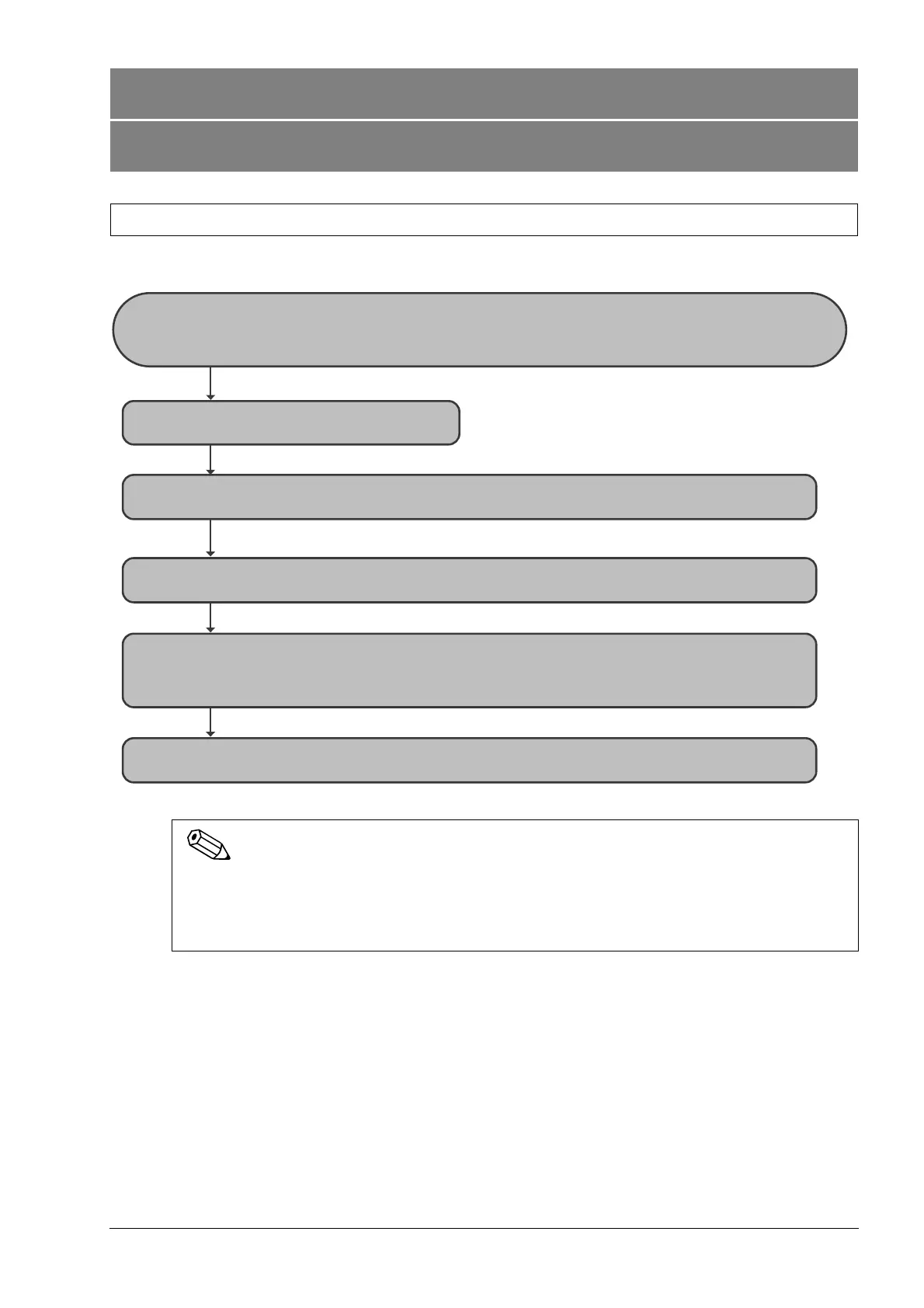
The following flowchart shows the outline of operations for the instrument. The typical flow is shown in gray.
To use the instrument, connection settings must be configured on the CN-3000, CN-6000, CN-3500 or
CN-6500.
(³CN-3000 and CN-6000 Instructions for Use, "Chapter 13: 13.2.22 Option sampler connection settings")
(³CN-3500 and CN-6500 Instructions for Use, "Chapter 13: 13.2.22 Option sampler connection settings")
Start the CN-3000, CN-6000, CN-3500 or CN-6500
(³CN-3000 and CN-6000 Instructions for Use, "Chapter 7: 7.2 Starting the instrument")
(³CN-3500 and CN-6500 Instructions for Use, "Chapter 7: 7.2 Starting the instrument")
7.2 Startup ³P. 32
7.2.3 Executing mechanical initialization (approx. 2 minutes) ³P. 32
Perform sample analysis
(³CN-3000 and CN-6000 Instructions for Use, "Chapter 7: Basic Operation")
(³CN-3500 and CN-6500 Instructions for Use, "Chapter 7: Basic Operation")
7.4.1 Placing a sample rack in the rack feeder ³P.3 3
7.4.2 Removing the sample rack once it has been transported to the rack collector ³P. 34



 To Next Page