Chapter 7 Basic Operation
SA-90 Instructions for Use
34/
46
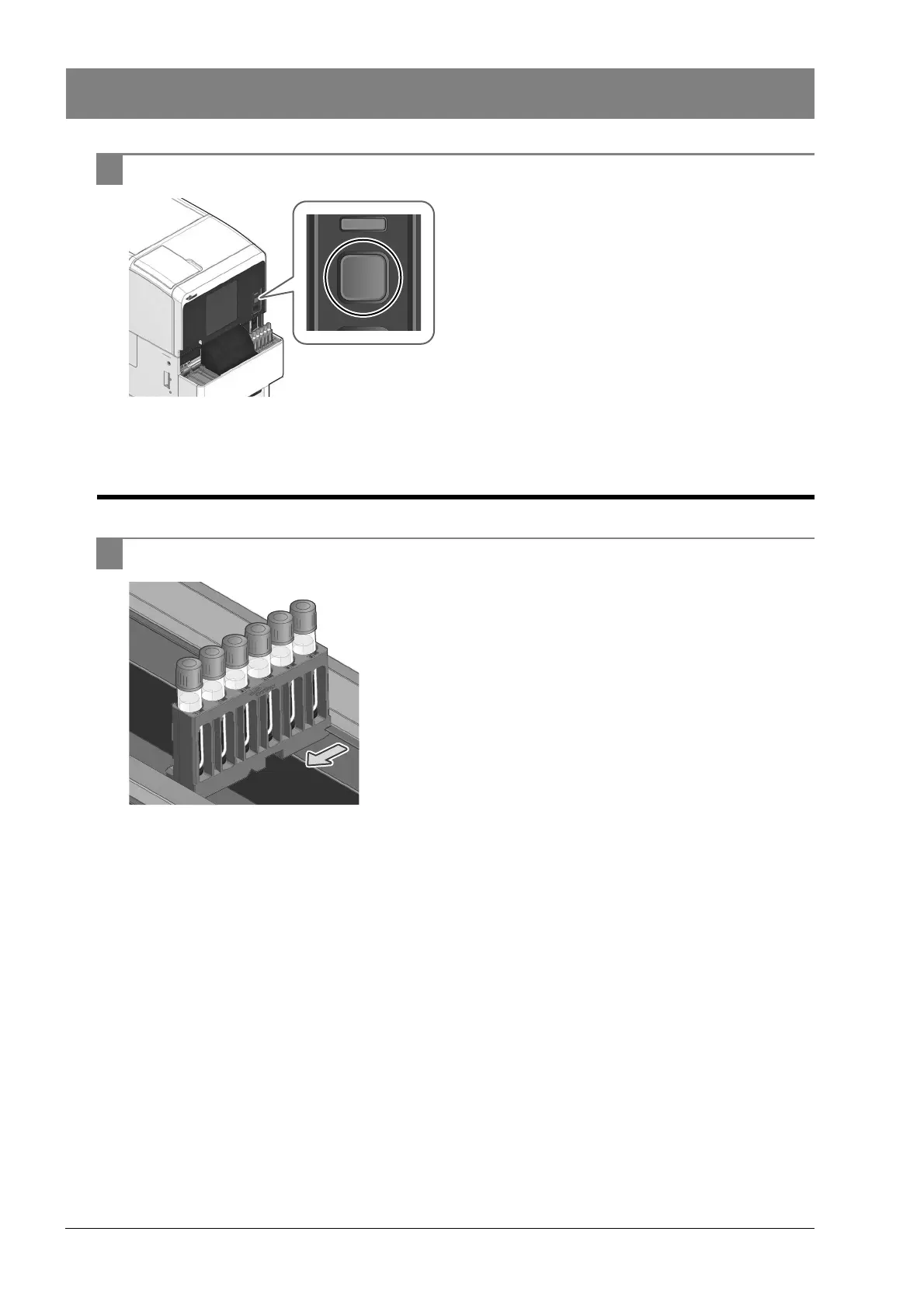
2 Press the start switch.
Sample rack transport starts. Please wait until the
analysis is finished.
7.4.2 Removing the sample rack once it has been transported to the
rack collector
1 Remove the sample rack once it has been transported to the rack collector.
The sample rack is analyzed on the CN-3000, CN-6000, CN-3500 or
CN-6500 and then transported to the left sampler pool of the SA-90.
The sample rack is transported from the left sampler pool to the rack
collector.
A maximum of 20 analyzed sample racks can be stored.



 To Next Page