Portbase User Guide
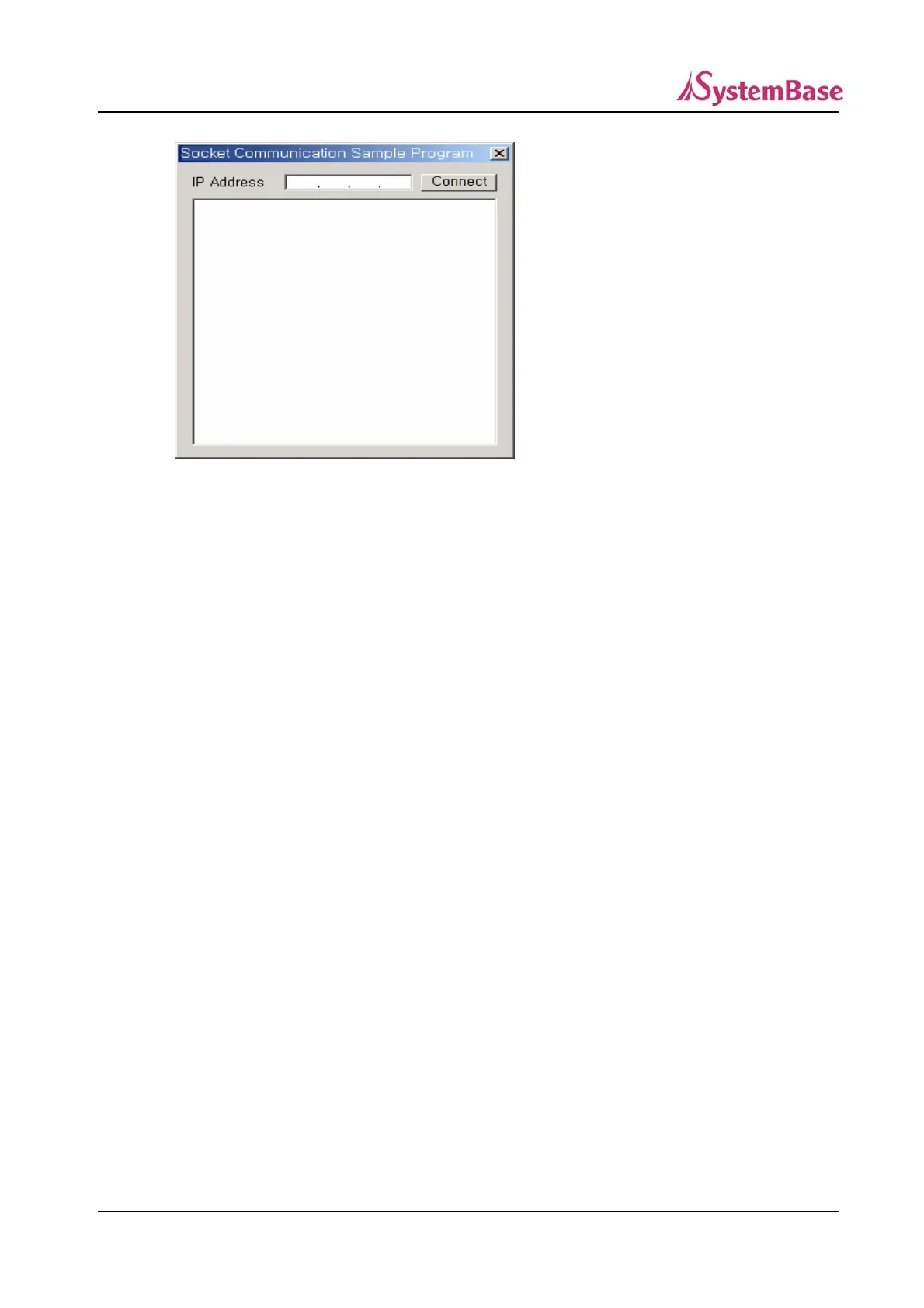
Enter the Portbase IP address you want to connect to and click “Connect”.
If the connection is successfully completed, the message “Connected “will be displayed.
“This is LoopBack Data!“ is repeatedly displayed at 3 sec. intervals on the edit box.
6) Source Code
Declare the client socket to be connected to the server and the variable to save the IP address
entered by the user in SockExamDlg.h as follows.
class CSockExamDlg : public CDialog
{
// Construction
public:
CSockExamDlg(CWnd* pParent = NULL); // standard constructor
CAsyncSocket * p;
CString m_ipaddr;
………..
//Add the Connect button event in the class Wizard, and code as follows.
void CSockExamDlg::OnbtnConnect()
{
CEdit *pEdt;
// Finds the IP address.
110



 To Next Page