Portbase User Guide
2. Configuration Using Web Browser
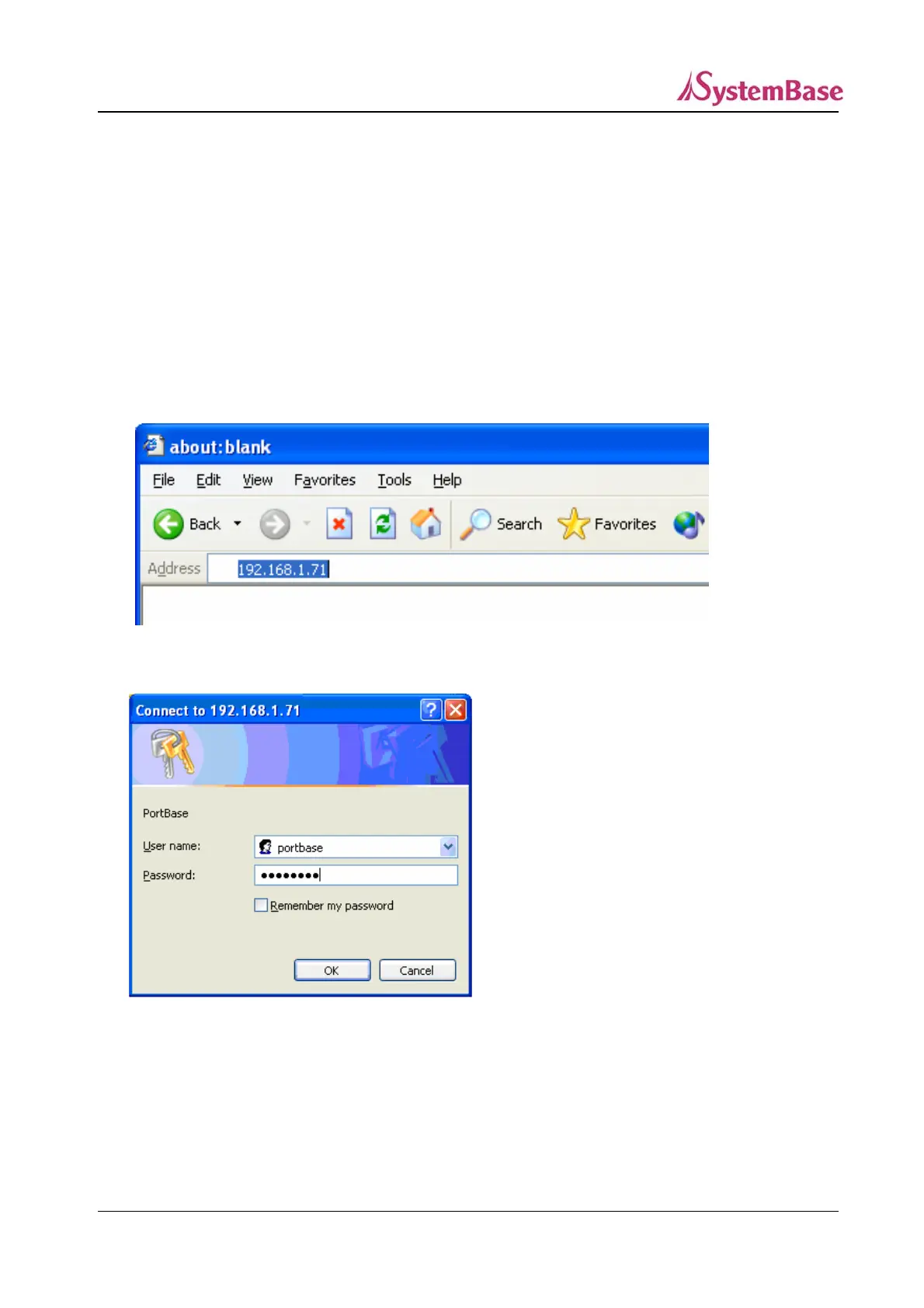
Run your Web browser and enter the IP address of either WAN or LAN port of Portbase to connect to
Portbase.
Factory Default IP Addresses of Portbase
WAN Port IP Address : 192.168.1.71
LAN Port IP Address : 10.10.1.1 (DHCP Server)
When you are connected to Portbase, the following initialization window appears.
☞ The default Username and Password : ‘portbase’, ‘99999999’(8 consecutive 9s)
After entering the correct Username and Password, click “OK” to warp to the environment setting
screen.
24



 To Next Page