Portbase User Guide
2) Environment Setting
Password Setting
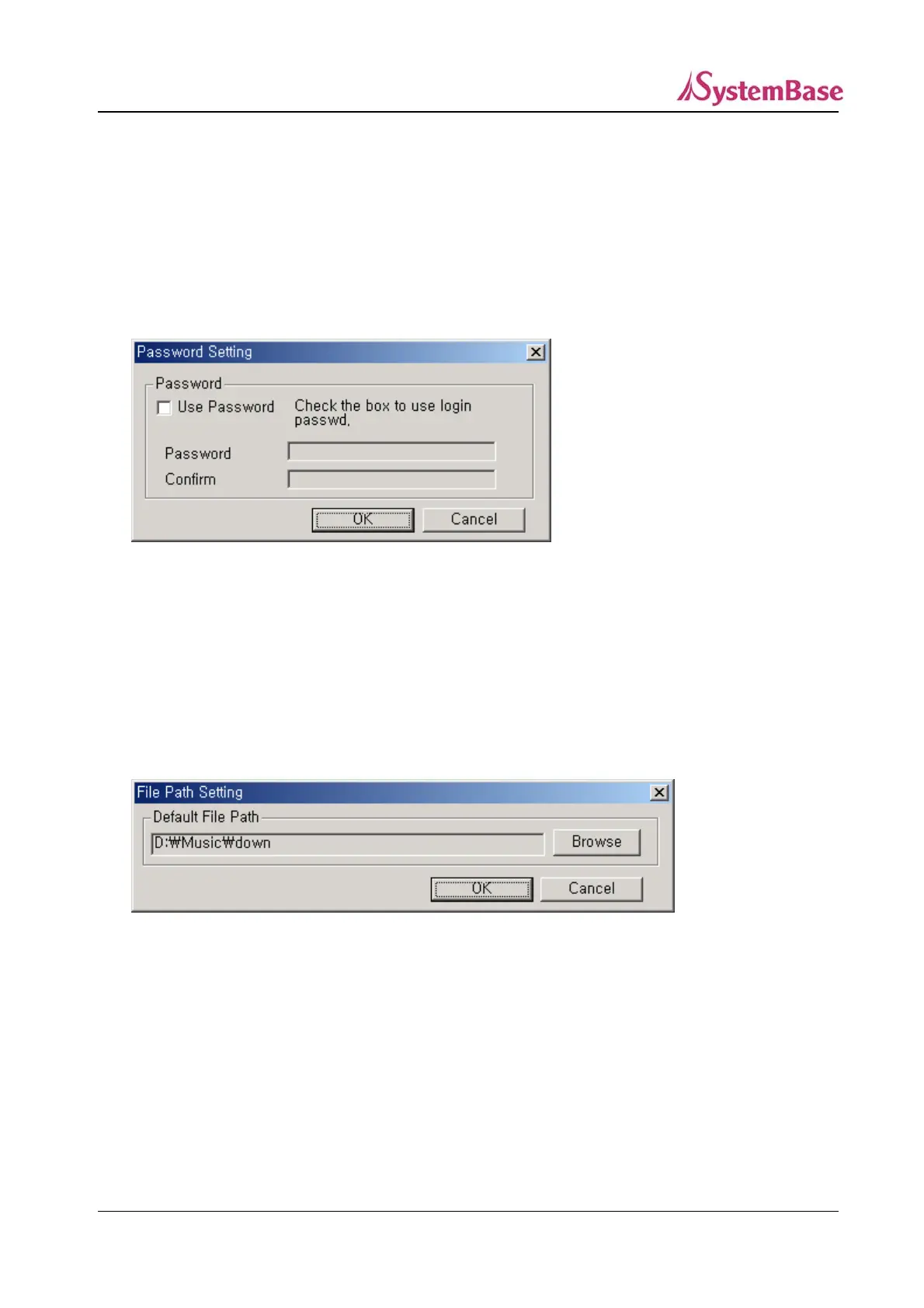
In order to prevent unauthorized access to Portview, click on ‘Settings’ ‘Password Setting’ from the
menubar.
Mark “Use Password” box and enter the password, and click on “OK”. Afterward, the password window
will appear to execute the the Portview.
Directory Setting
You can set the default directory to save the Portbase log file and the Datascope capture file.
80



 To Next Page