Portbase User Guide
3. Using Portview
1) Portbase Setting
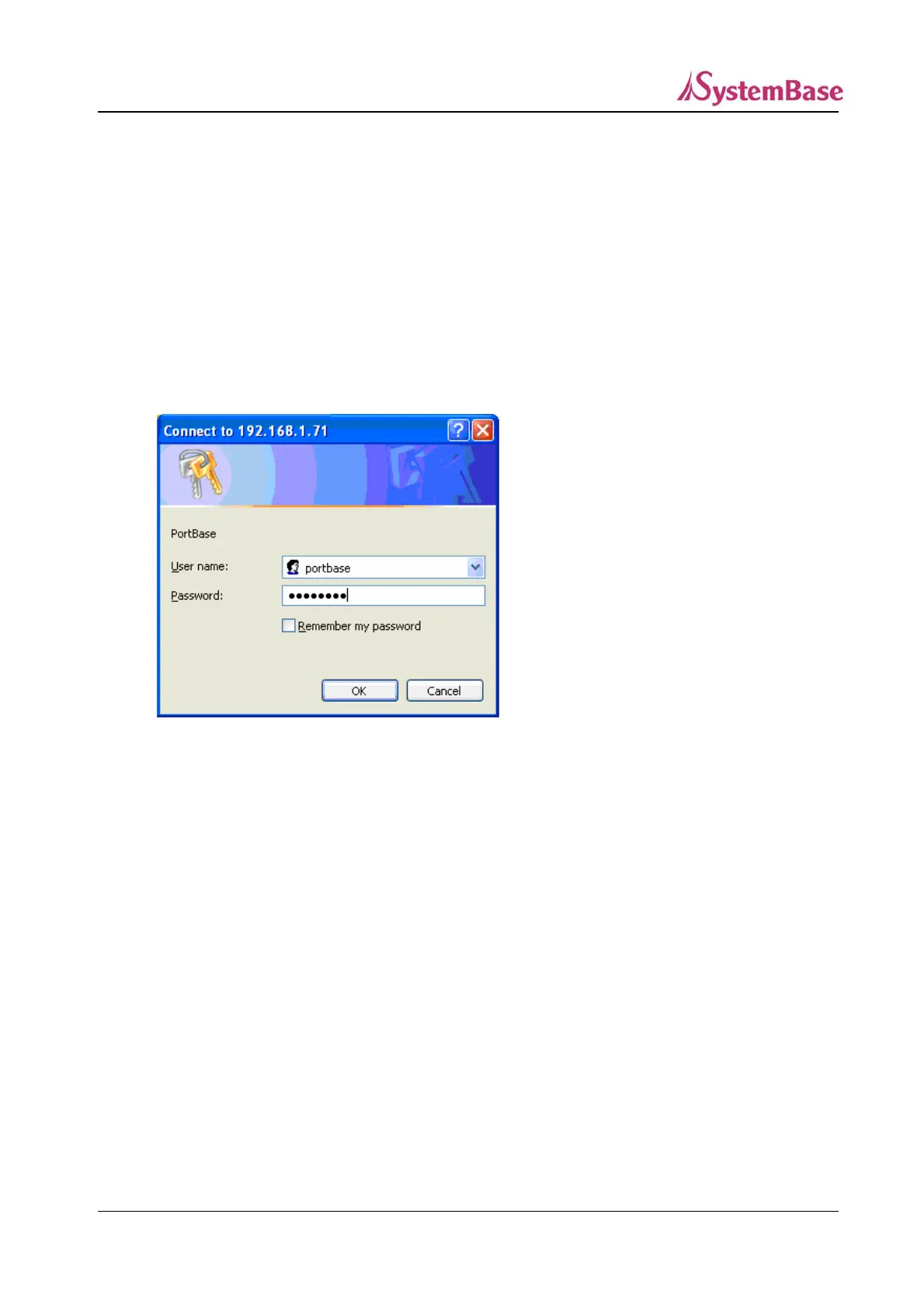
1) Type the Portbase IP address in the address windows to access the Portbase web site via the
web browser.
2) Enter the user name and the password of Portbase.
3) Click on ‘Network Setting’, and click on ‘Management’ button from the page that shows up,
among the three button menus available (Network, NAT, and Management).
78



 To Next Page