Portbase User Guide
1) Using Redirector in Windows 98/ME
1) Configure Redirector
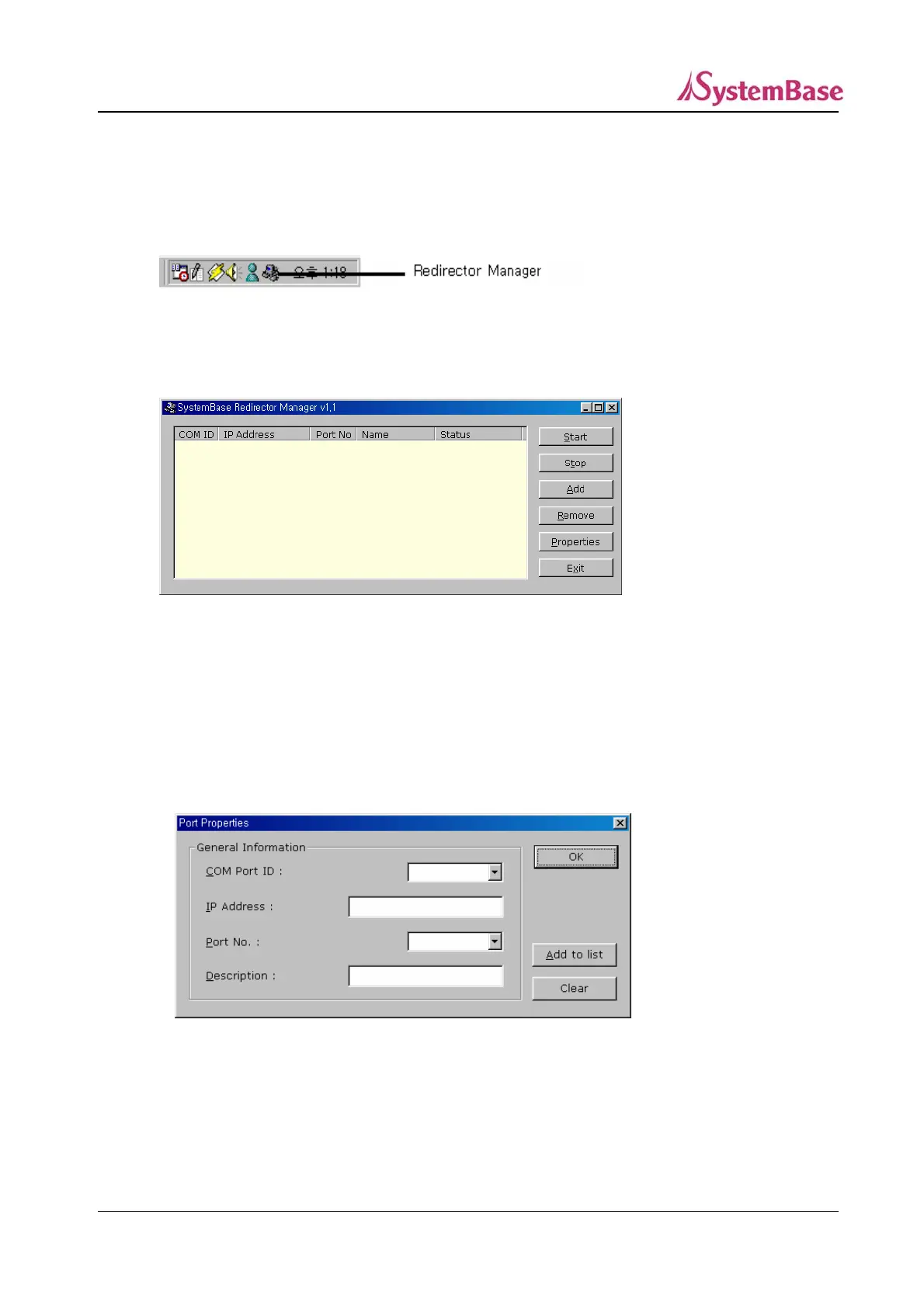
To run the Redirector Manager, double-click the Redirector Manager icon from the system tray, or
select Start Program SystemBase Portbase Redirector.
2) Register COM ports.
When you click “Add” from the main menu, general information about the COM ports to install
will be displayed
Enter the COM Port ID(COMx), IP address of Portbase, Port Number (1 to the maximum
number of ports), and the description or the port name (16 bytes maximum).
Multiple IP addresses and port numbers can be registered to one COM port.
68



 To Next Page