Portbase User Guide
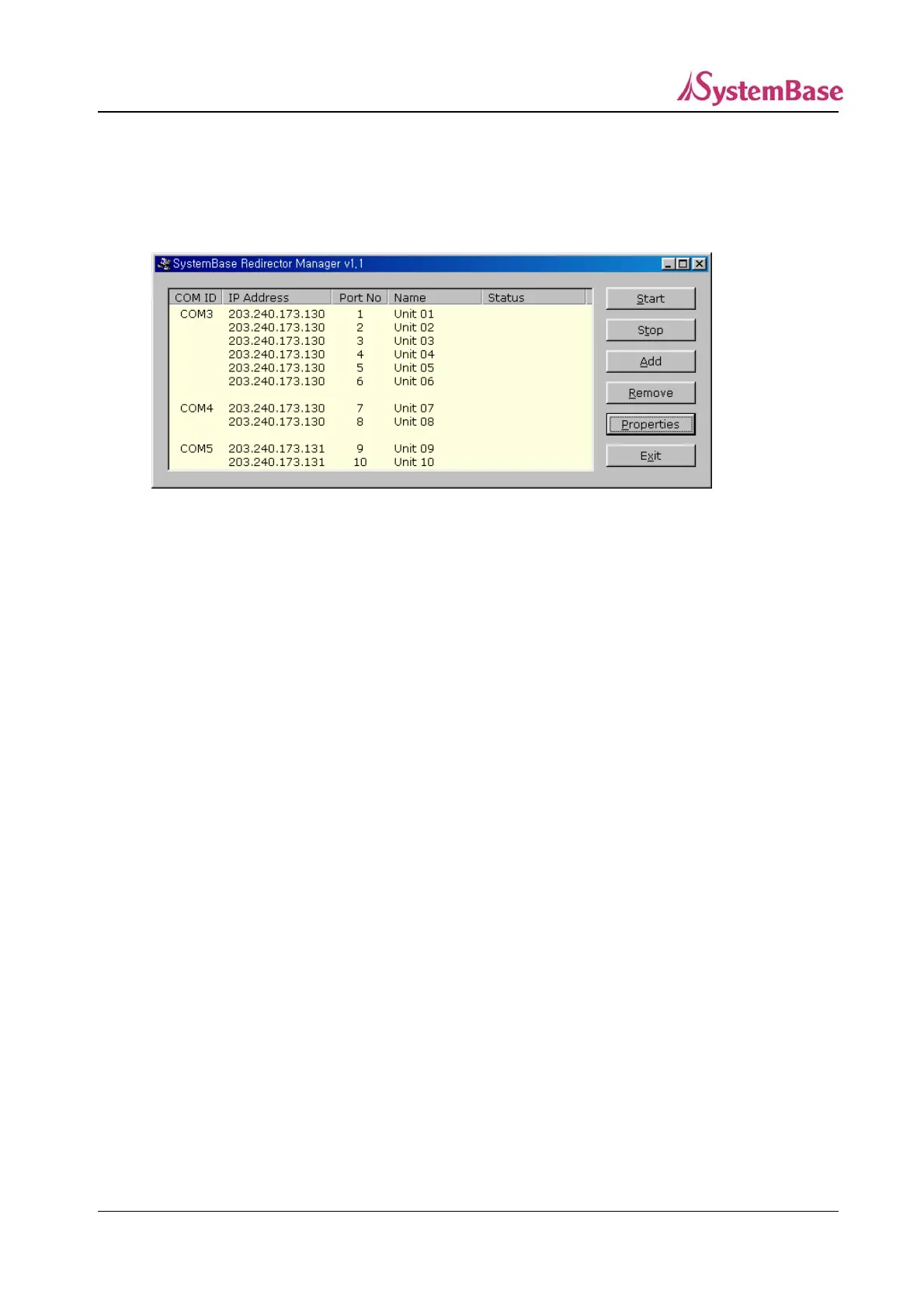
When all the information is provided, you can click “OK” to add a new port, shown in the next
figure.
Nothing is displayed under the Status tab if the Redirector service did not start for each port.
By repeating the steps shown above, multiple serial ports can be registered as a candidate for
connecting to one COM port.
If you like to remove a port, click on the port to remove and click “Remove”.
3) Starting / Stopping the Service
From the Redirector Manager main screen, select ports to start Redirector service.
Selected ports will be highlighted.
Click one more time to unselect any selected port.
Only one serial port for each COM port can be selected.
After selecting all the ports desired, click “Start” to activate the Redirector service.
Certain information will be displayed for Status tab once the service is activated for ports.
The list of conditions to be displayed for Status tab is as follows.
Ready : Virtual serial port is set by Redirector on the PC, and is waiting.
Connecting : The connection between Portbase and the virtual serial port set by
Redirector on the PC is on processing.
69



 To Next Page