Portbase User Guide
3. Configuration Using Telnet
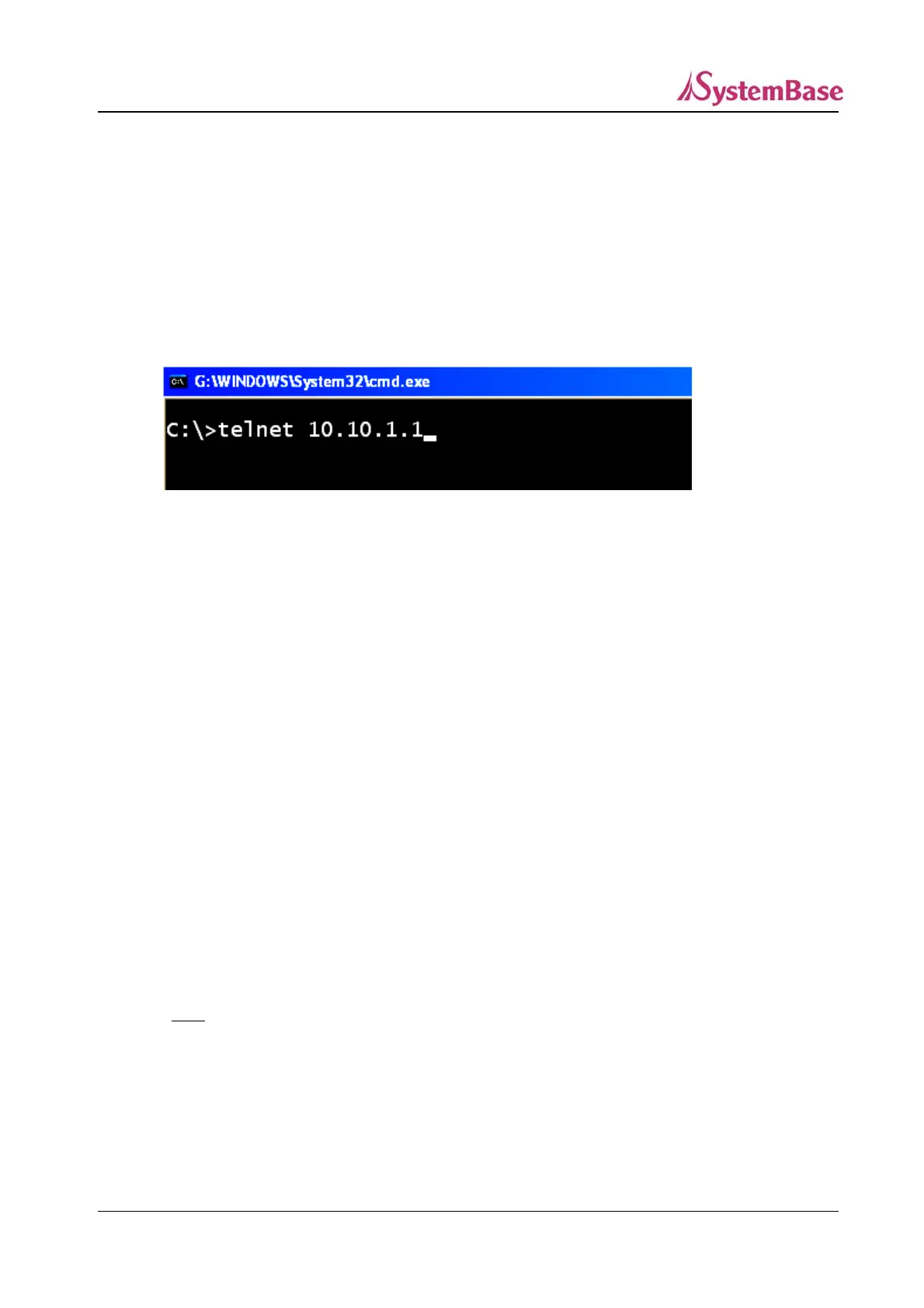
Run the telnet application and enter the IP address of either WAN or LAN port of Portbase to connect to
Portbase.
Factory Default IP Addresses of Portbase
WAN Port IP Address : 192.168.1.71
LAN Port IP Address : 10.10.1.1 (DHCP Server)
☞ The default Username and Password : ‘portbase’, ‘99999999’(8 consecutive 9s)
Environment parameters can be configured with ‘SET’ command.
※Don’t forget to enter “ “ (quotation marks) in each command.
1) View Environment Settings
set “view”
This command shows Portbase environment settings.
2) Configuration Help
set “help”
Display configuration help for Portbase.
3) Save Environment Settings
set “save”
You
must
run this command in order for changes to be applied.
4) Reboot
set “reboot”
Restart Portbase.
44



 To Next Page