Portbase User Guide
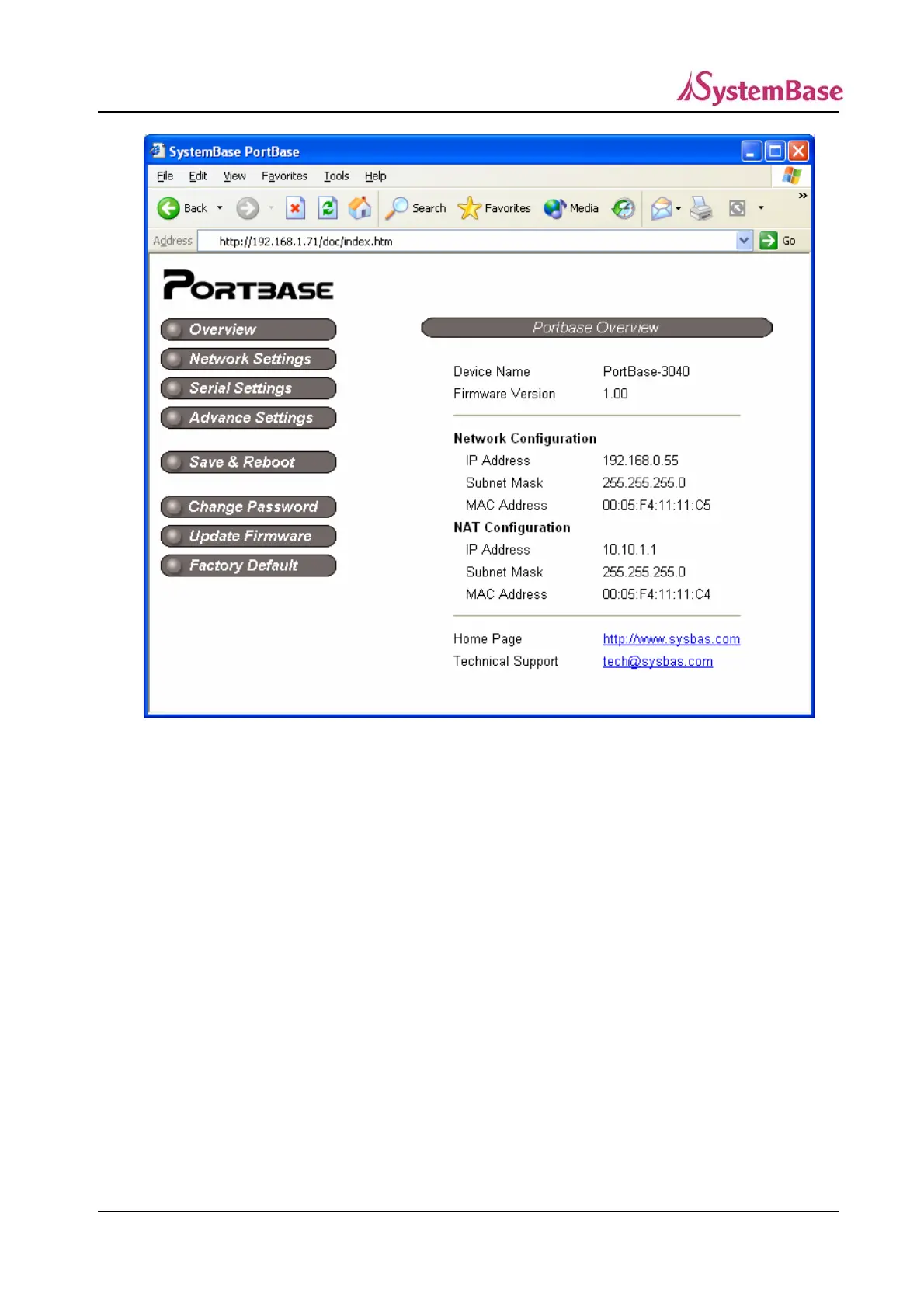
Overview : Display product version and the current network status. (shown above)
Network Settings : Configure network connection settings.
Serial Settings : Configure communication environment and the detailed operation parameters
for the serial ports.
Advanced Settings : Decide whether or not to allow HTTP, FTP, or TELNET service on the WAN /
LAN.
Save & Reboot : Save the configurations and reboot Portbase.
Change Password : Set the password for the administrator, used when accessing to Portbase via
Web/Telnet.
Update Firmware : Update Portbase firmware.
Factory Default : Restore all the factory default settings.
25



 To Next Page