Portbase User Guide
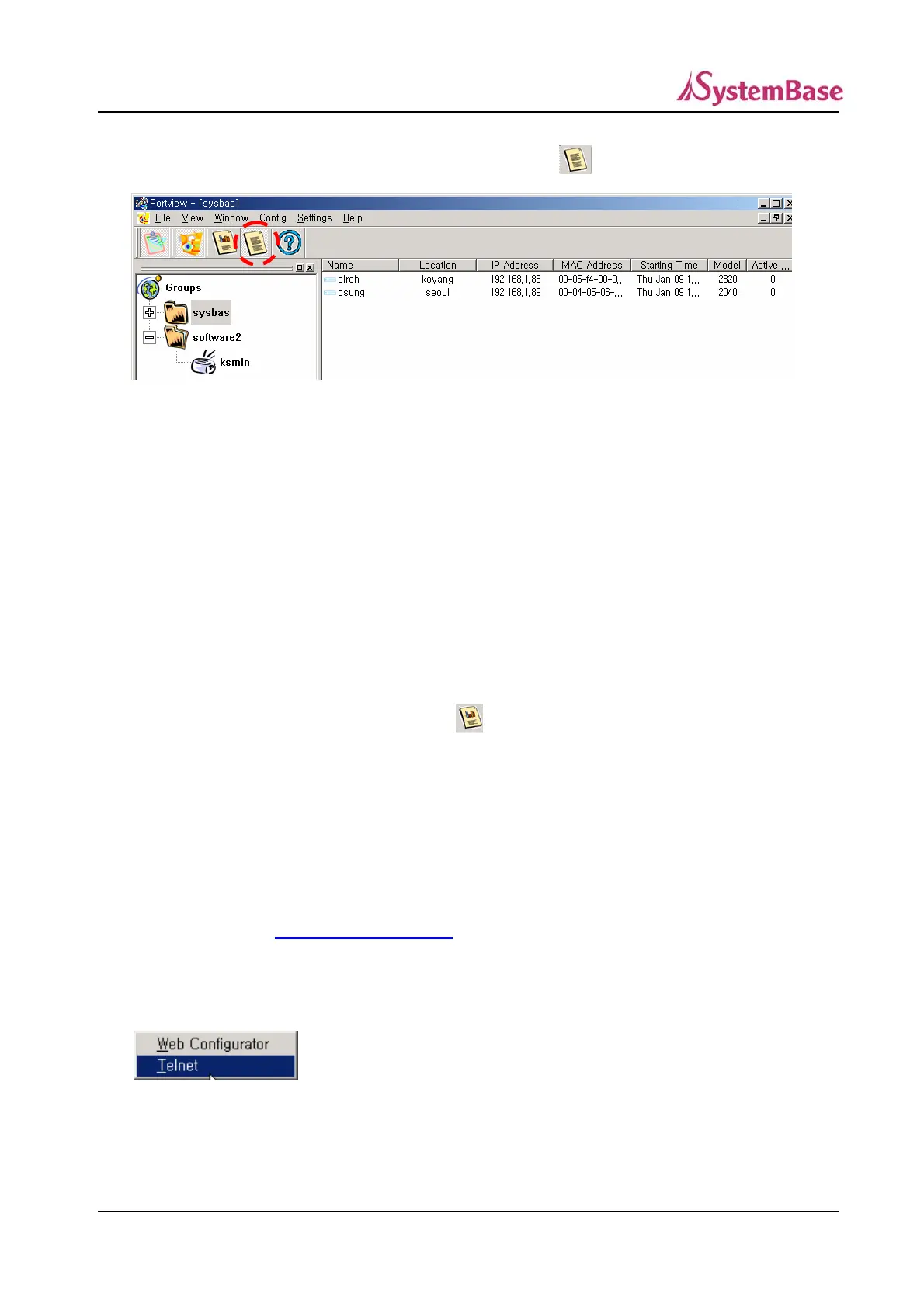
In order to display detailed information of a Portbase, click on .
Detailed information of Portbase is as below.
Name : Portbase name
Location : Portbase location
IP Address : Portbase IP address
MAC Address : Portbase MAC address
Starting Time : Portbase starting time
Model : Portbase model
Active Ports : The number of active ports
To return to the Portbase icon screen, click on .
To update the disconnected equipment information, click on ‘View’->’Refresh Group Tree’ from the
menu.
Configuration Setting
You can set configuration (name, location, group, IP, mask, gateway and etc.) of Portbase using web
and telnet. (Refer to
Chapter 2 Configuration for details.)
To open web or telnet screen of a Portbase server, select the Portbase on the icon screen or the list
screen, and select ‘Config’ ‘Web Configurator’ or ‘Telnet from the menu’. (You can select Web or
Telnet only after you select a Portbase.)
(Selecting Telnet)
85



 To Next Page