Portbase User Guide
⑤ Log File
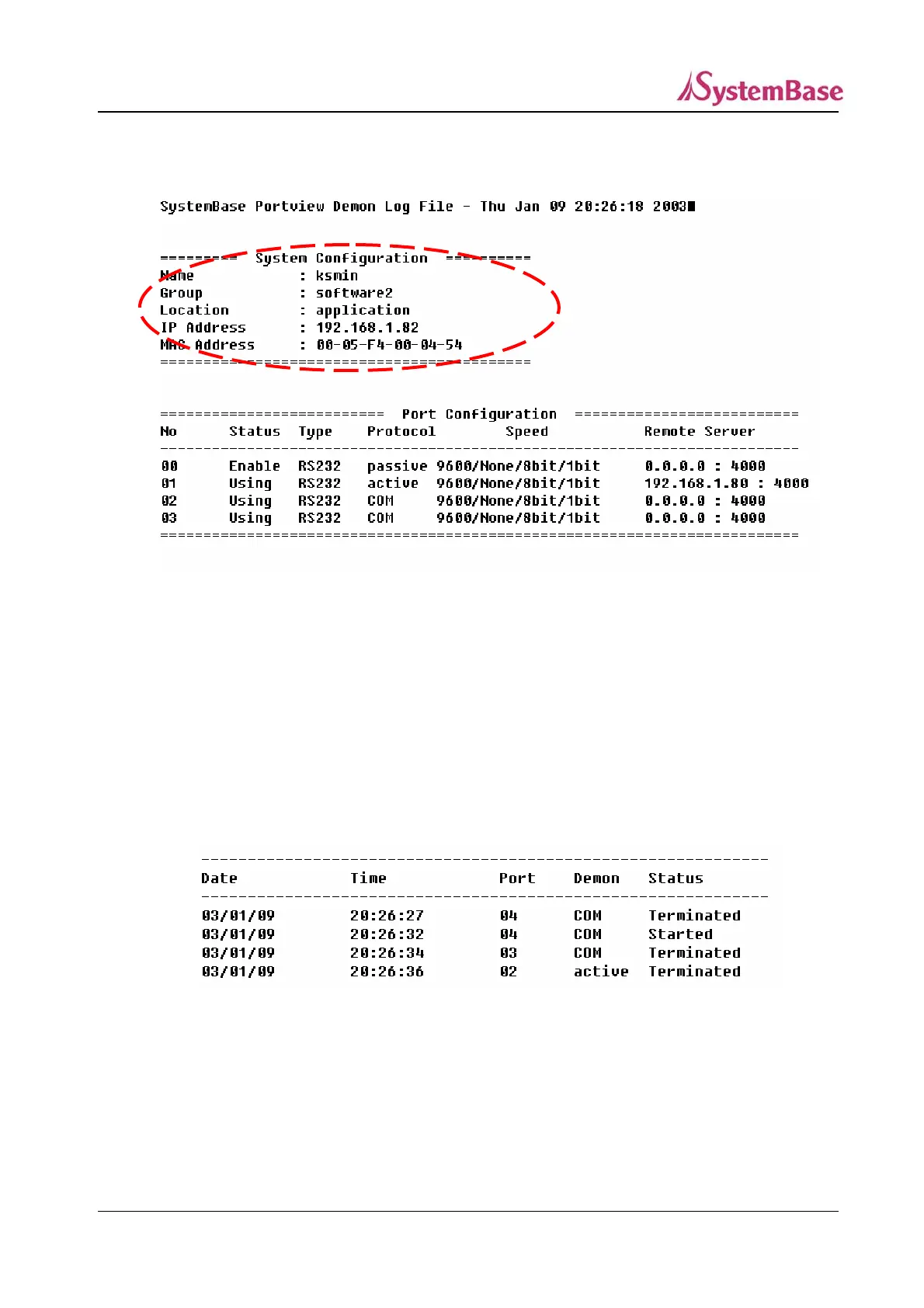
A log file is configured as below.
<Initial System Configuration>
Initial system setting
The red dotted part on the above screen. It contains the default settings.
Port setting
The below “Port Configuration” part.
The port status at the time of log start.
It has the same items of the “Settings” window of Portbase View.
<Demon Log Screen>
Demon record
Records start and end date, time, port and status of the Demon of each port.
Date : Year/Month/Date
Time : Hour:Min:Sec
91



 To Next Page