Portbase User Guide
Data Scope View
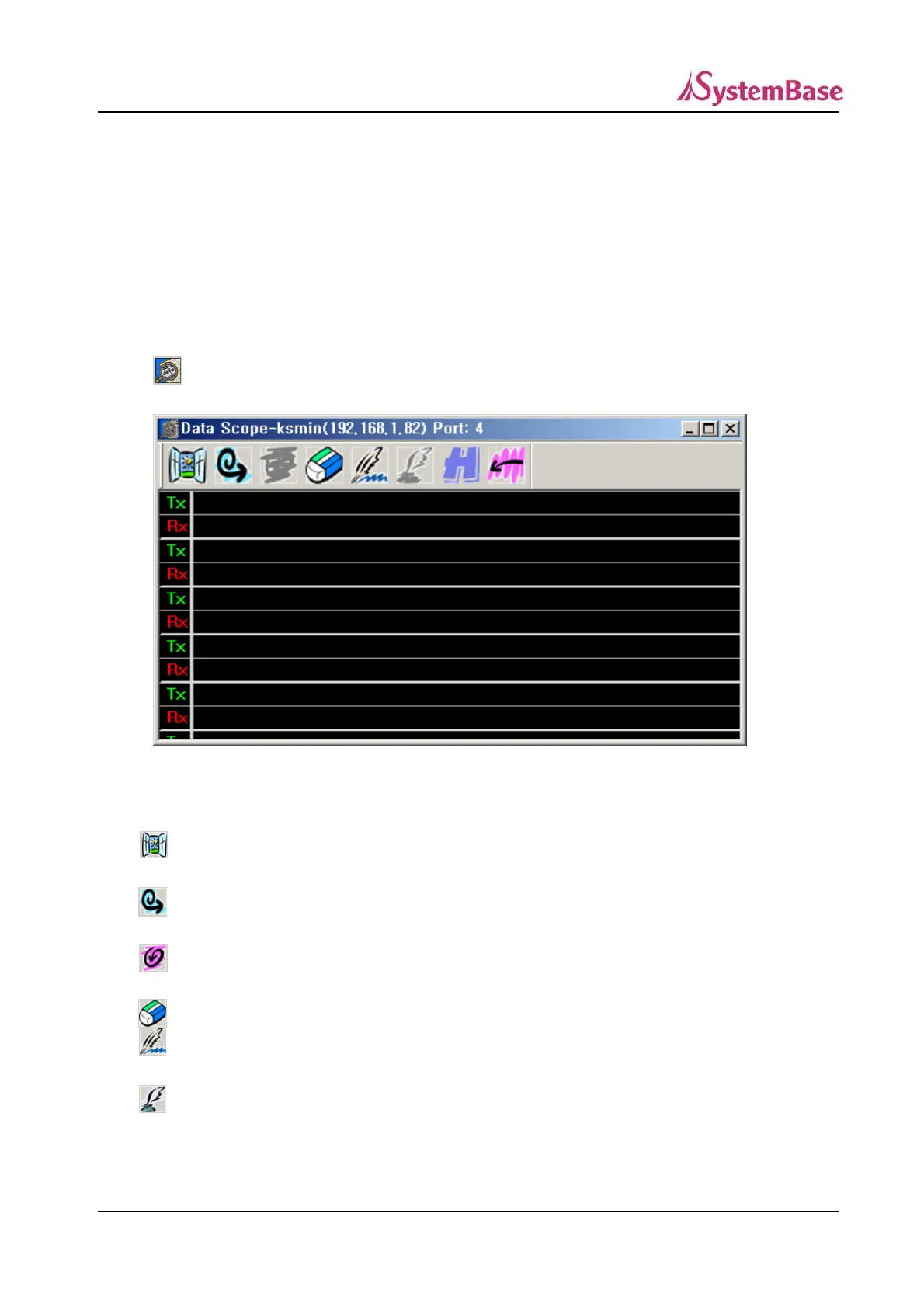
Datascope window:
1) Displays input/output data on a port in ASCII.
2) Displays input/output data on a port in HEX.
3) Saves input/output data on a port.
① Starting data scope view
Select the port you want to see data scope of in the Portbase View window and click on
. Or, double-click on the port.
<Data Scope Window>
Toolbar
Open : Read the data scope file in “.cap”, and display it on a new
window.
Start : Start data scope of the port. The button remains pressed once it
is started.
Stop : Activated while data scope is running. Click this button to stop
data scope.
Erase : Initialize the window.
Capture Start : Write the data scope content on a file. If you click this button the
“Capturing” window is displayed.
Capture Stop : End writing data scope content, and save the file.
93



 To Next Page