Portbase User Guide
② Operation
Data Scope Starting
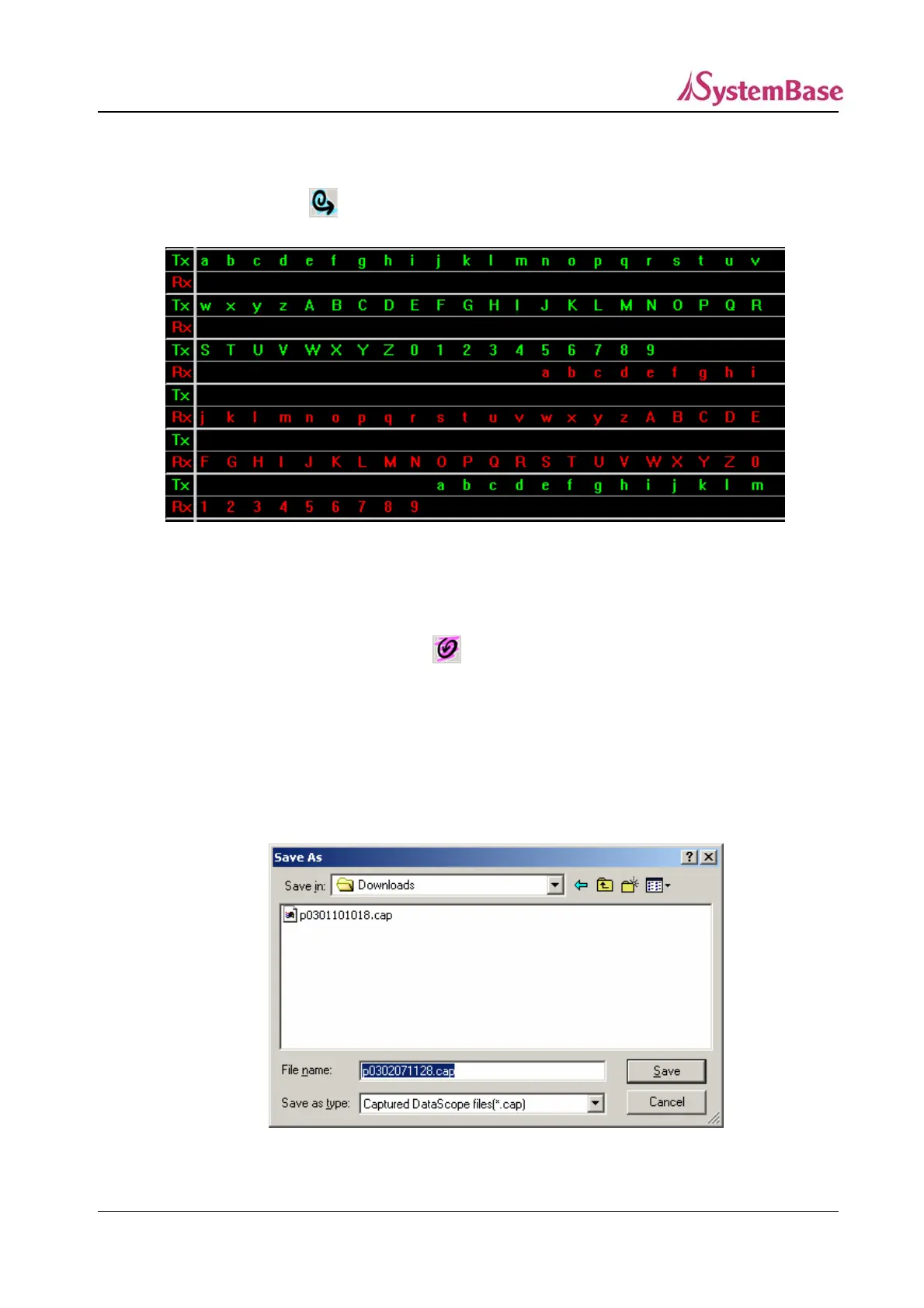
If you click on and the remote Tx/Rx data is displayed on the screen.
<Data Scope - Ascii>
Tx data is displayed on the upper line and Rx data is displayed on the lower line. The
function measures buffering status near the data exchange time to arrange the data. To stop
the data scope function, click on
File Saving
If you click on “Capture Start”, the “Capturing” message is displayed and saved. (The Capture
Start button is pressed down while the message is saved on a file.) Click on “Capture Stop”.
The default file name is “pyymmddhhmm.cap”, and each two digit number indicates
year/month/date/hour/minute.
<Saving Data Scope File>
95



 To Next Page