
 To Next Page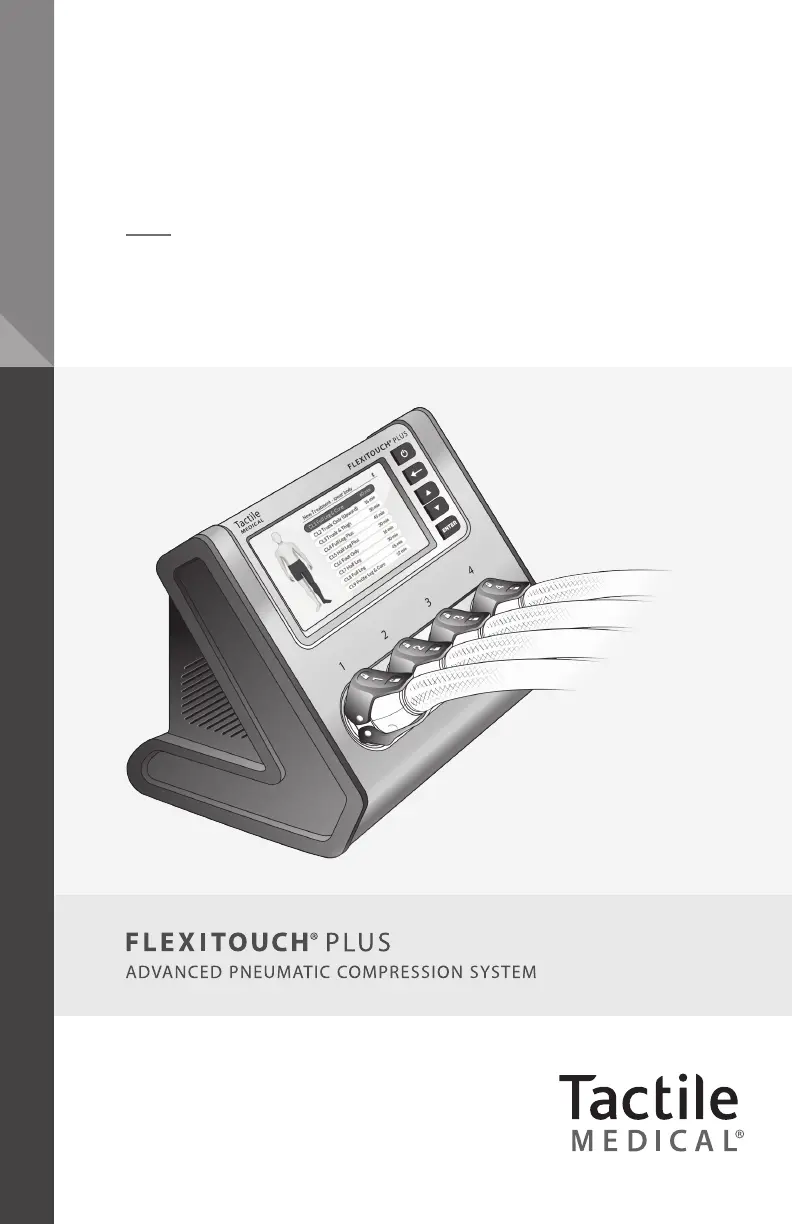
A
Alex ThomasSep 10, 2025
How to fix Tactile Medical Medical Equipment when latches have broken?
- JJohn BrownSep 10, 2025
Latches on Tactile Medical equipment can be replaced or reattached. Please call Customer Service for instructions.

How to fix Tactile Medical Medical Equipment when latches have broken?
Latches on Tactile Medical equipment can be replaced or reattached. Please call Customer Service for instructions.
How to set up Bluetooth on Tactile Medical Flexitouch Plus Medical Equipment?
Ensure your mobile device has Bluetooth turned on and has allowed Kylee access to Bluetooth data. If you are using an Android device, ensure you have granted Kylee access to location services. During the Bluetooth setup process, ensure your mobile device is within 10 feet of your plugged-in Flexitouch Plus device. Follow the instructions within Kylee to ensure your Flexitouch Plus device is in pairing mode.
Why completed treatments are not appearing in Kylee for Tactile Medical Medical Equipment?
Complete the Bluetooth setup process. If you have already set up Bluetooth, make sure Bluetooth is enabled on your mobile device, and that you have the Kylee app open and within 10 feet of the plugged-in Flexitouch Plus device. Go to My Profile/My Device within Kylee to confirm the Flexitouch Plus sync status is green.
What to do if Flexitouch Plus device is not connecting to Kylee for Tactile Medical Medical Equipment?
Ensure that Bluetooth is enabled on your mobile device, Kylee is open, and your mobile device is within 10 feet of your plugged-in Flexitouch Plus device. If the problem persists, remove the paired device in the Bluetooth Status menu of your Flexitouch Plus device, and attempt to re-pair your Flexitouch Plus device to Kylee.
Details safety warnings, symbols, and important precautions for using the device.
Instructions for applying and using garments for lower extremity treatment programs.
Guides on properly placing and connecting the controller unit's power adapter.
Details how to select and start treatment sessions, including presets and pausing.
Procedures for preparing and starting an uninterrupted treatment session.
Common issues and their recommended solutions for the Flexitouch Plus system.
 General
| Device Type | Pneumatic Compression Device |
|---|---|
| Power Source | AC power |
| Pressure Settings | Adjustable pressure settings |
| Prescription Required | Yes |
| Treatment Areas | Arms, legs, trunk |
| Compression Cycle | Sequential |
| Portability | Portable |
| Cycle Time | 60 minutes |
| Indications | Lymphedema, chronic venous insufficiency |
| Technology | Pneumatic compression technology |
| Therapy Cycles | Customizable |
| User Interface | Touchscreen |
| Garment Coverage | Full limb and trunk garments available |