Installing Software Drivers 6-9
Intel SpeedStep Utility
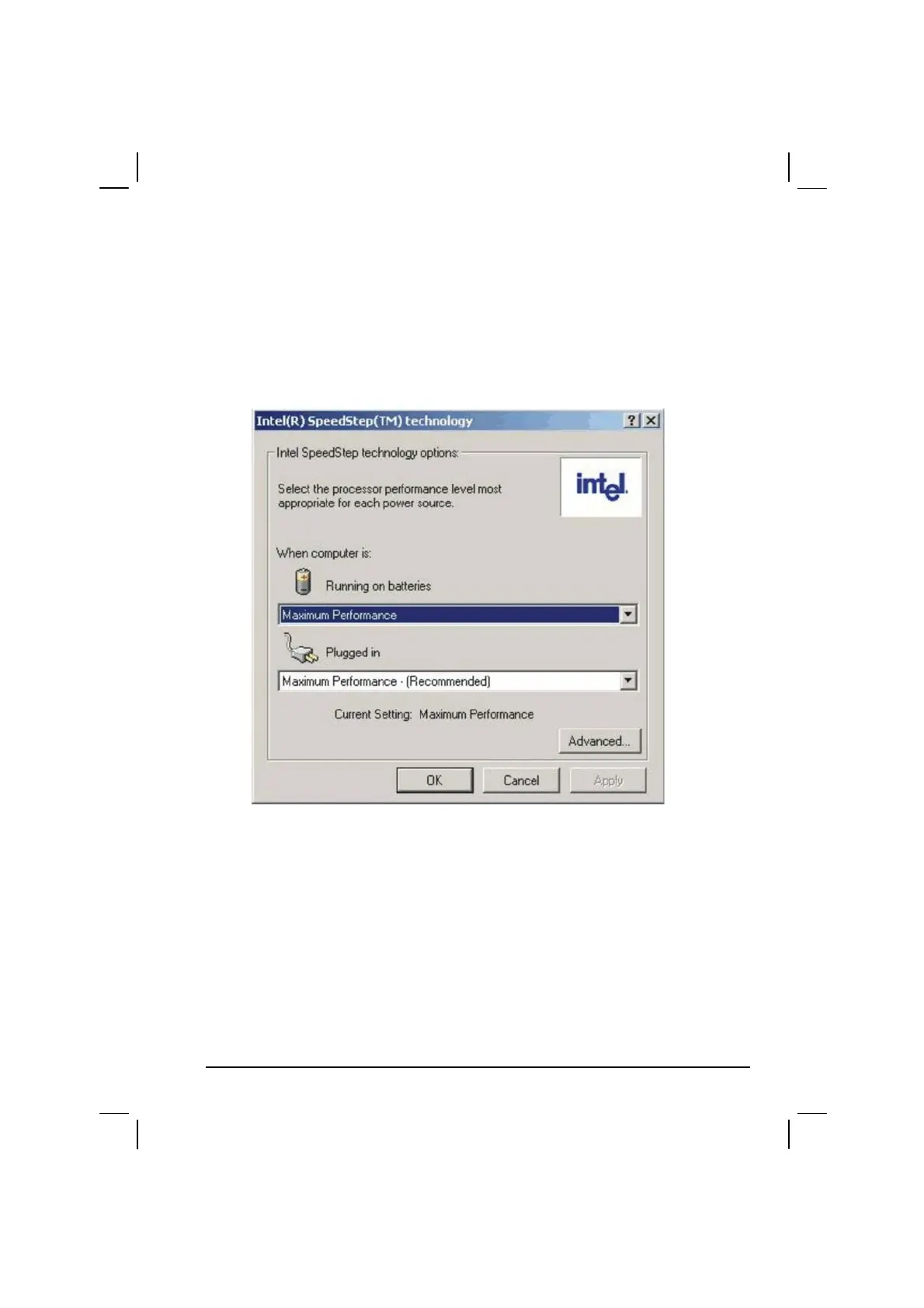
After installing the SpeedStep driver, you can now optimize the power
consumption of the CPU. Click on “Start,” then “Programs,” then “Intel
SpeedStep Utility.” The following screen appears as shown next:
Make the necessary settings according to your system requirements.



 To Next Page