2-4 Operating Your Tablet PC
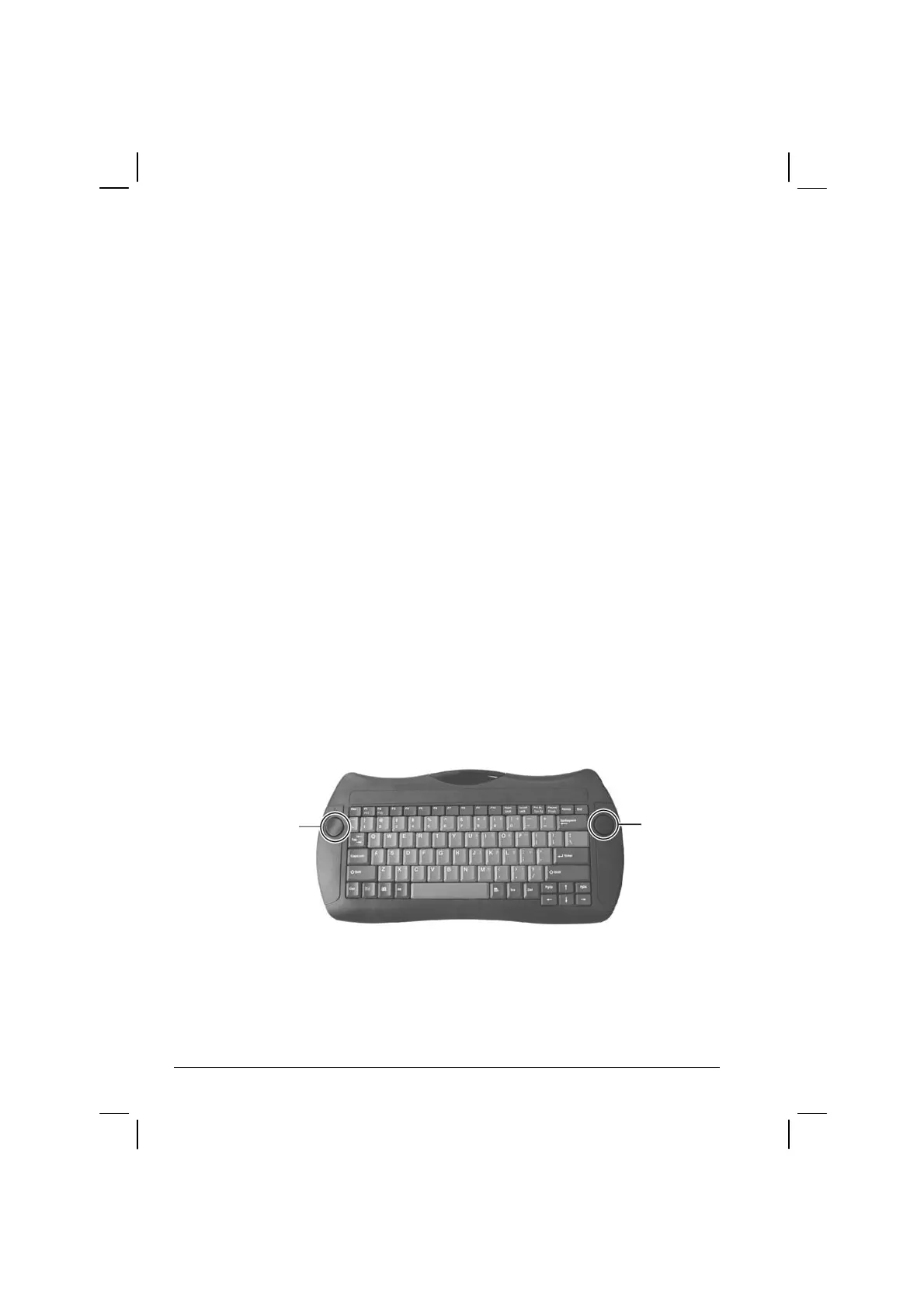
Using the Wireless Keyboard (option)
Before using the wireless keyboard, see section on “Positioning the
Tablet PC and Wireless Keyboard” on chapter 1. Your wireless keyboard
has all the standard functions of a full-sized computer keyboard.
The standard functions of the keyboard can be further divided into five
major categories:
Mouse-control buttons
Typewriter keys
Cursor-control keys
Numeric keys
Function keys
Mouse-control Buttons
Mouse-control buttons found on both sides of the wireless keyboard are
similar to the buttons on a mouse. The left button (
)
is similar to the
left- and right-click mouse function. The right button (
)
allows you to
slide the on-screen pointer horizontally, vertically, or diagonally.



 To Next Page