1-6 Getting Started
Using the Wireless Keyboard (option)
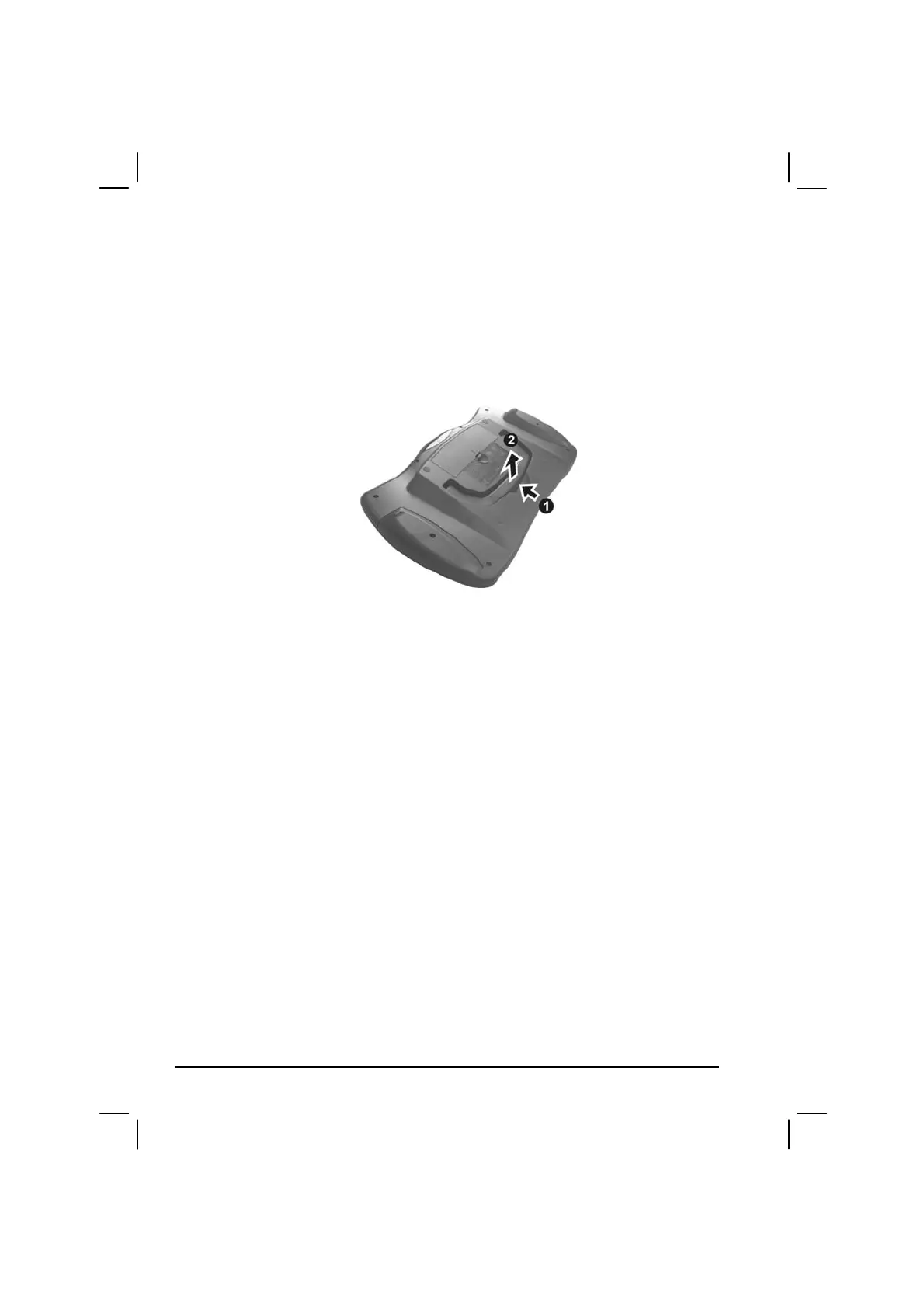
The wireless keyboard can either be placed flat on the table or inclined
using its stand found at the back. To place the wireless keyboard in an
inclined position, pull open the stand located at the back as shown on the
next figure.
Place the wireless keyboard in front of the Tablet PC with no obstructions
between them to allow unhampered communication between the
computer and keyboard’s IR port.



 To Next Page