2-16 Operating Your Tablet PC
NOTE: For DVD-RW/Combo drive only.
This product incorporates copyright protection technology that is protected by method
claims of certain U.S. patents and other intellectual property rights owned by
Macrovision Corporation and other rights owners. Use of this copyright protection
technology must be authorized by Macrovision Corporation, and is intended for home
and other limited viewing uses only unless otherwise authorized by Macrovision
Corporation. Reverse engineering or disassembly is prohibited.
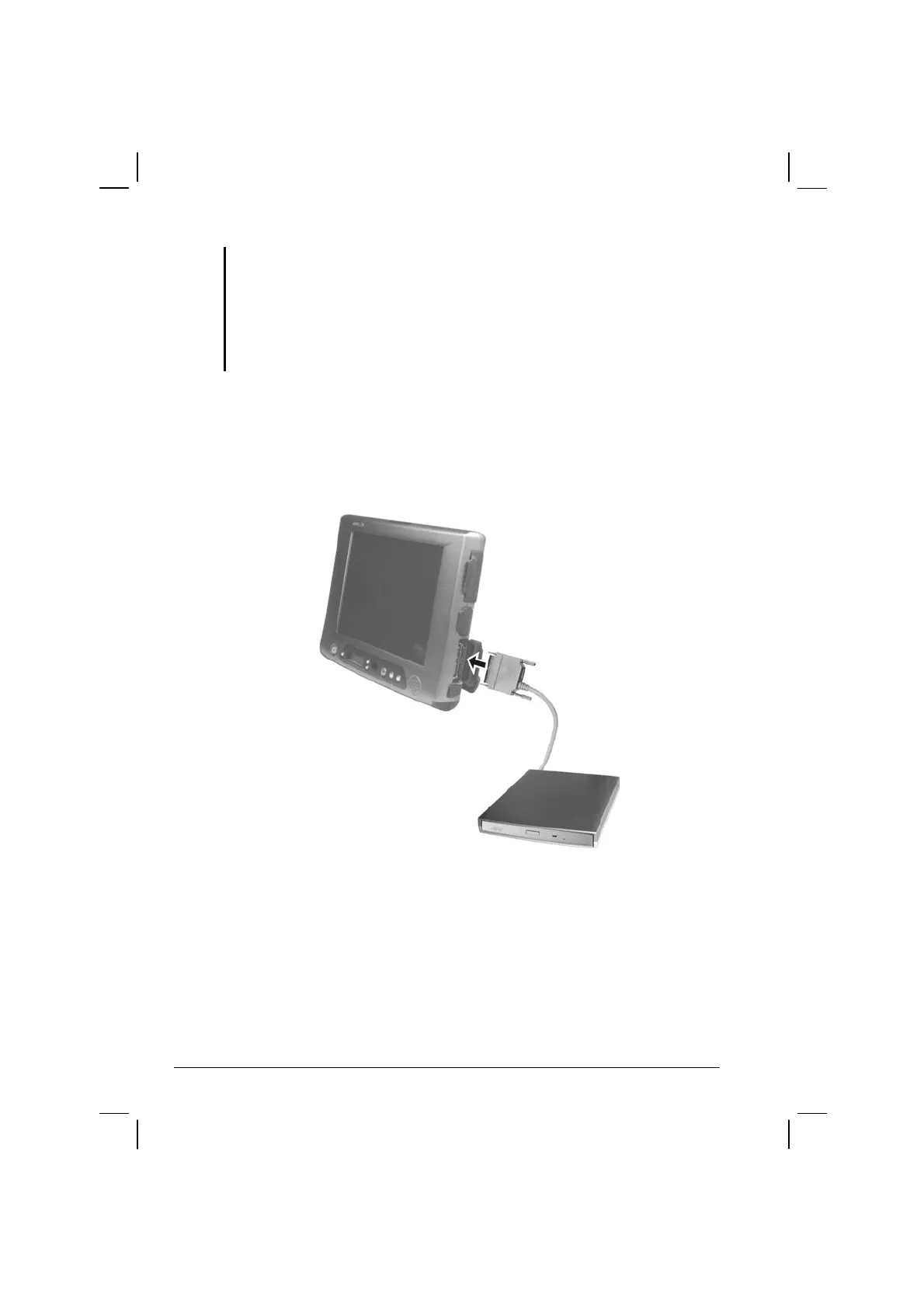
Connecting the Optical Drive
Insert the expansion plug of optical drive into the expansion port located
on the right side of the Tablet PC.
Inserting and Removing a Disc
Follow this procedure to insert or remove a disc.
1. Turn on the computer.



 To Next Page