2-12 Operating Your Tablet PC
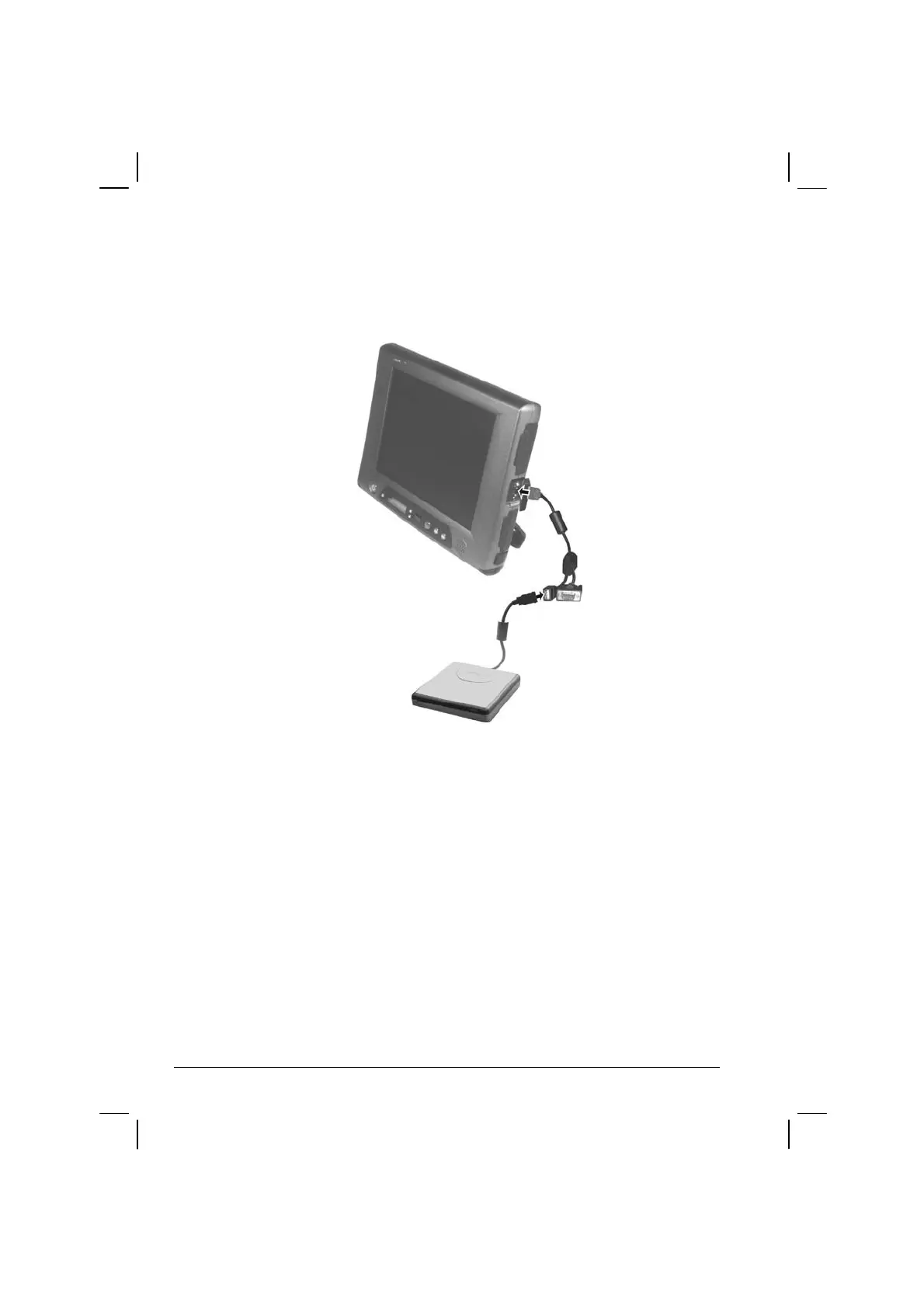
Through the Private Cable –
Insert the USB plug of the floppy disk drive into the USB port located
on the private cable.
Inserting and Ejecting Floppy Disks
To insert a floppy disk, hold it with the arrow facing up and towards the
drive. Slide the disk into the drive until it clicks into place.
To eject a floppy disk, first ensure that the floppy disk drive in-use
indicator is off, and then press the eject button on the drive. When the
floppy disk pops out of the drive, remove the floppy disk and store it
properly.



 To Next Page