6-10 Installing Software Drivers
Wireless LAN Utility Installation
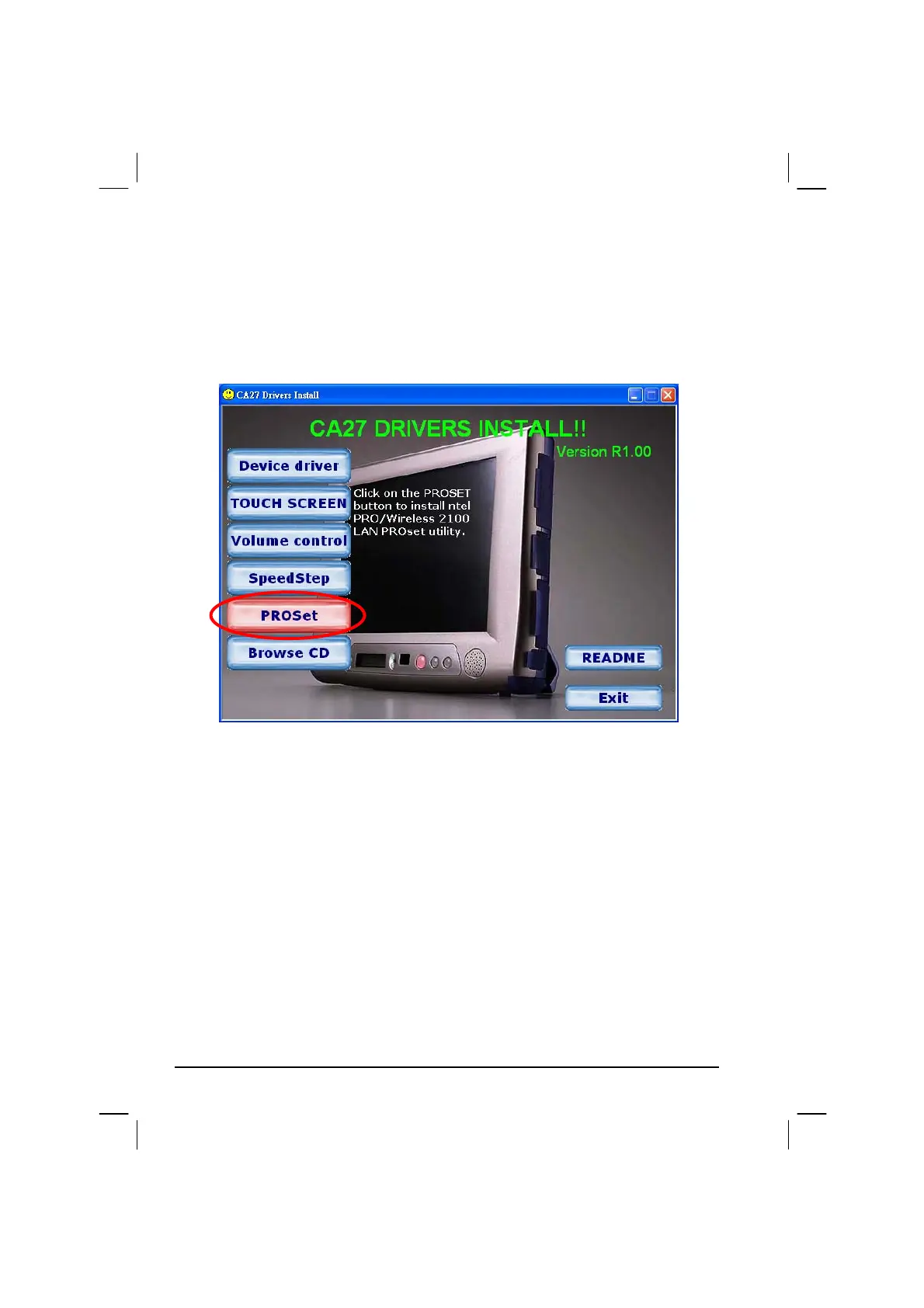
Upon clicking on the PROSet link on the main screen, the Installation
Wizard appears on screen. Upon clicking on “Next,” the following screen
appears as shown next.
After making your selection, follow the onscreen instructions to complete
the wireless LAN utility installation.



 To Next Page