Getting Started 1-9
Taking a Look at the Computer
This section identifies the external components of the computer and
briefly describes the function of each component.
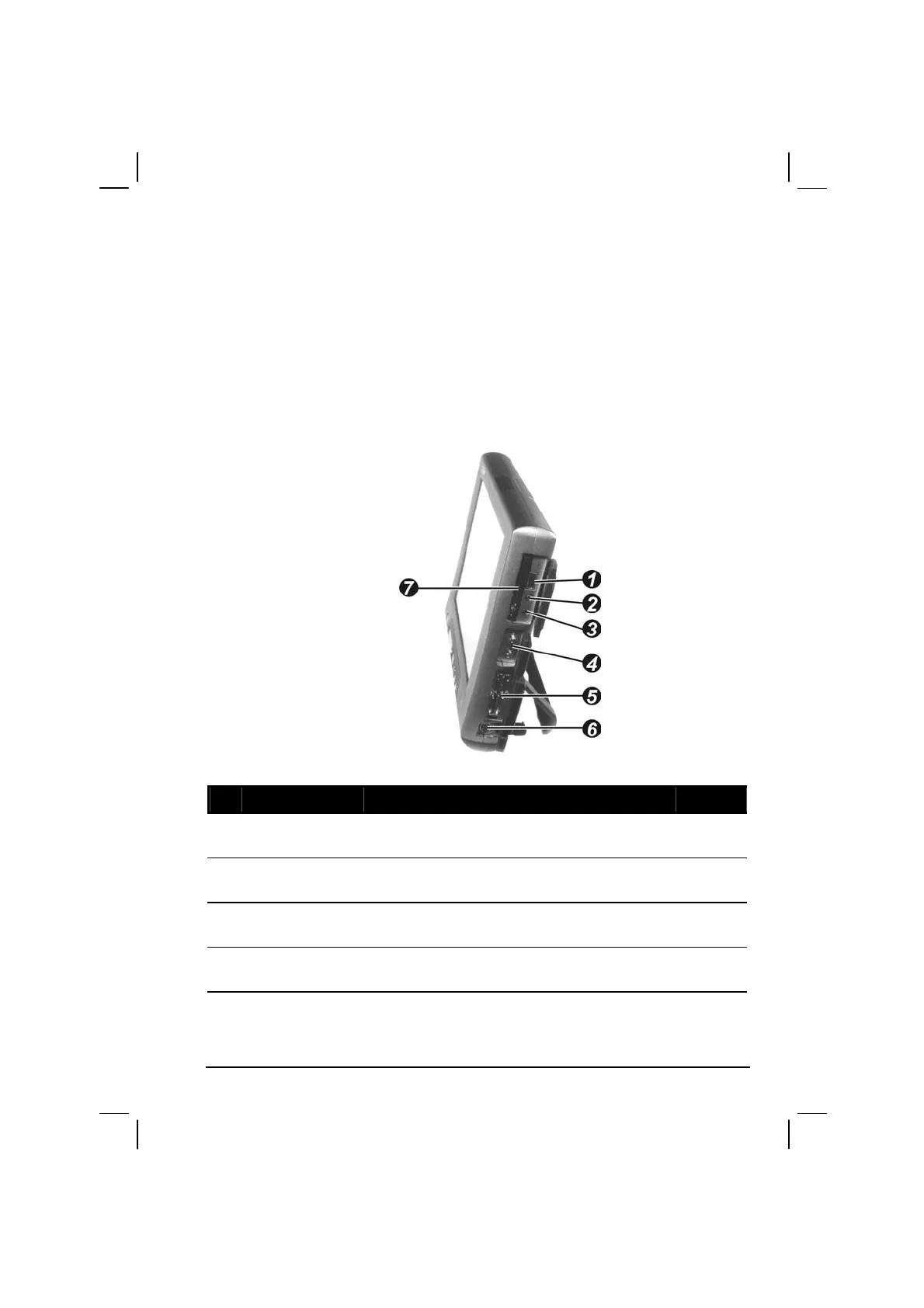
Right-Side Components
Ref Component Description See Also
USB Port
Connects a USB device, such as a USB floppy
drive, printer, digital camera, joystick, and more.
P. 4-3
Microphone
Connector
Connects an external microphone. P. 2-22
Audio Output
Connector
Connects a set of headphones, external speakers
with amplifier, or an audio recording device.
P. 2-22
Private Port
Connects a private cable that contains a serial
and USB ports.
P. 4-2
P. 4-3



 To Next Page