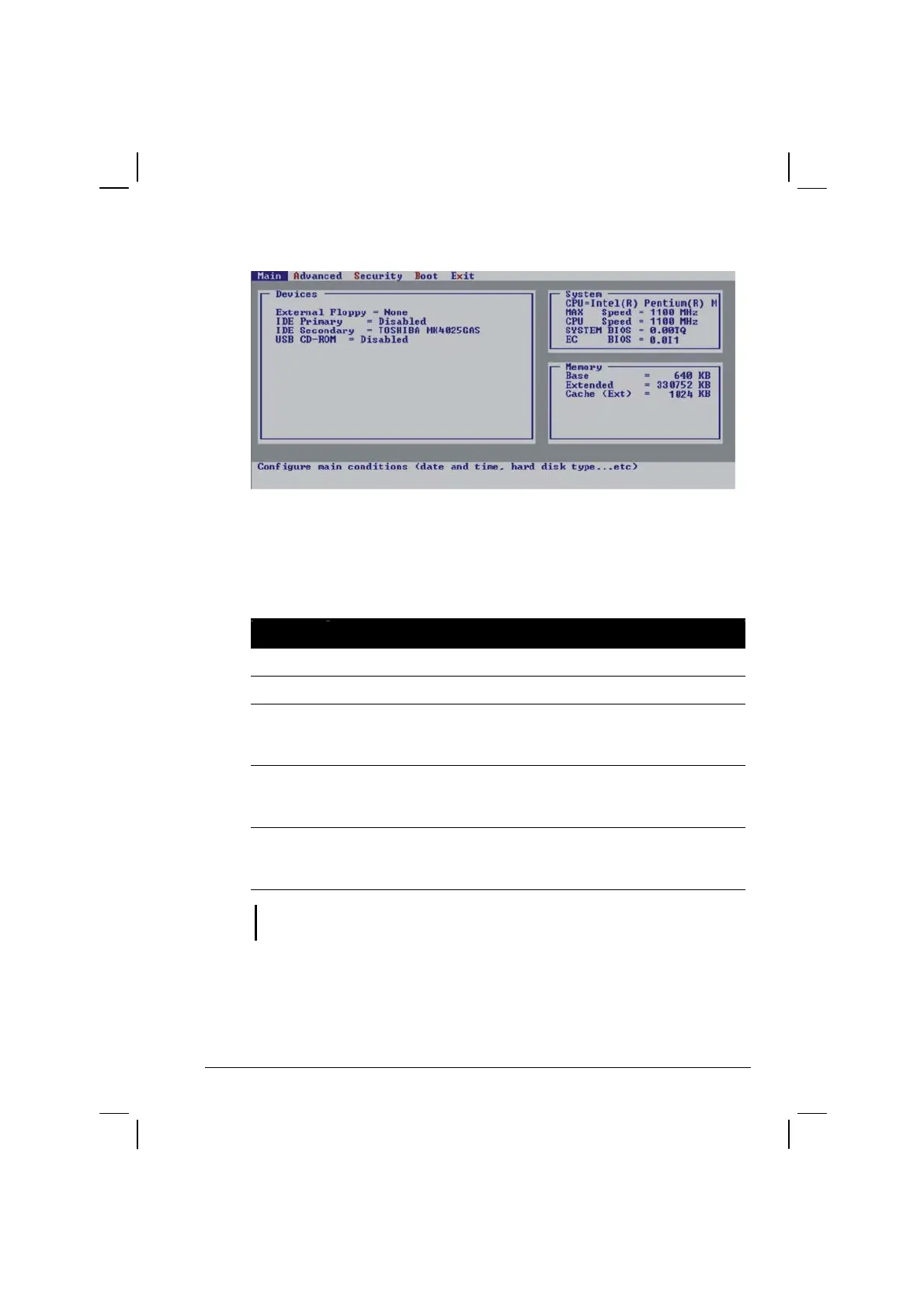
Setup Configuration Utility (SCU) 5-3
Moving Around and Making Selections
A brief description of keyboard (if installed) usage is listed next:
Key Function
←, →
Selects a menu title.
↑, ↓
Selects an item or option.
Enter
1) Brings up the sub-menu when an item with the arrow sign is
selected.
2) Opens or closes the options window when an item is selected.
Space bar,
–
Cycles through the pre-defined value for the selected item.
Pressing the space bar brings up the next value; pressing the
minus (–) key does the contrary.
Esc
1) Exits the SCU program.
2) Returns to the previous menu if in a sub-menu.
3) Closes the options window if one is open.
NOTE: You are advised to use the mouse (if installed) as it is more straightforward than
using the keyboard.



 To Next Page