1-14 Getting Started
Ref Component Description See Also
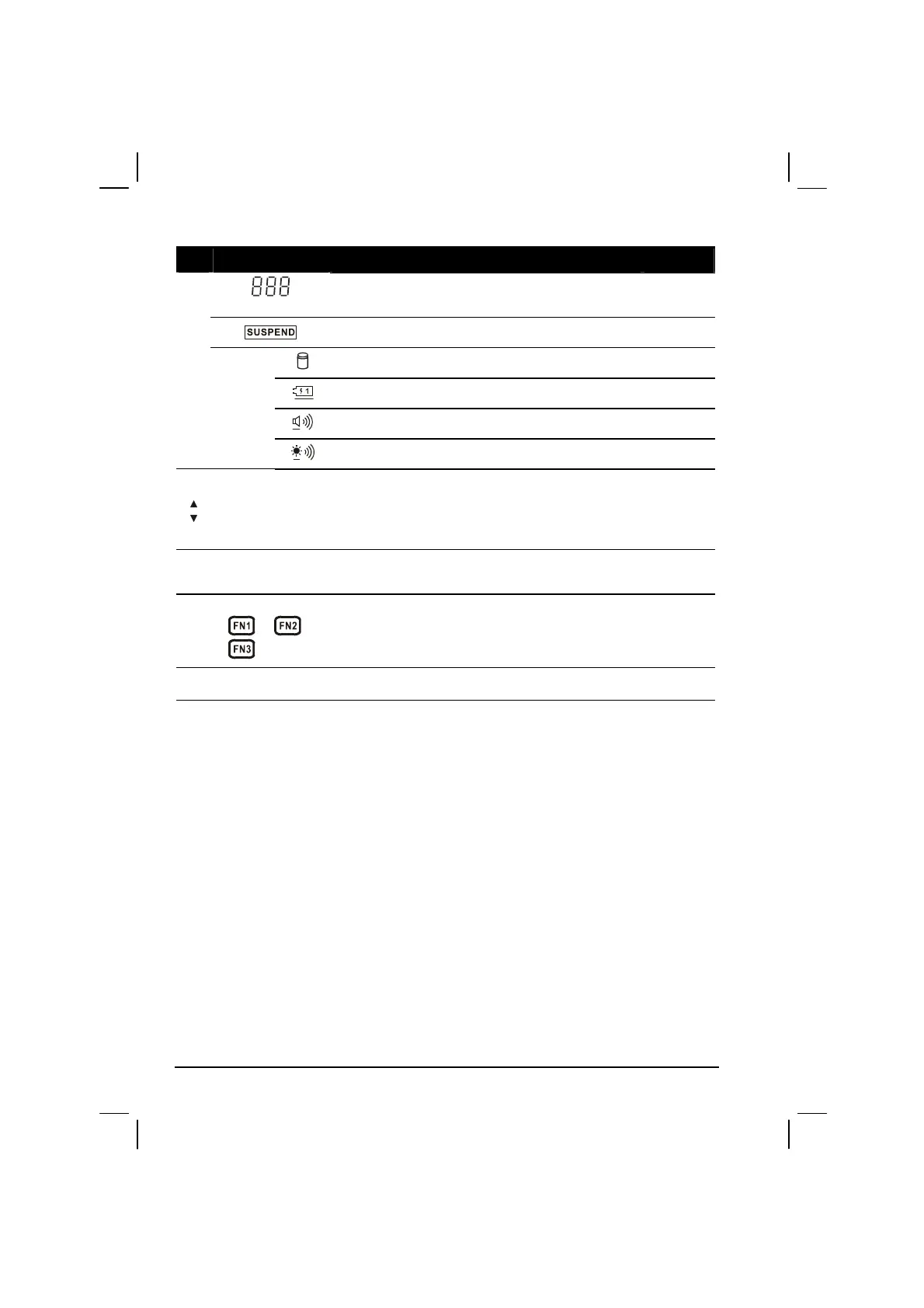
Shows the speaker volume, the LCD brightness
level,and the main battery capacity
P. 3-4
Suspend mode indicator (in reverse video) P. 3-8
Hard disk drive in-use indicator P. 2-14
Main battery status indicator P. 3-4
Volume adjust indicator P. 2-21
LCD brightness adjust indicator P. 2-18
Speaker
Volume/LCD
Brightness
Adjust Button
The upper button provides you a quick way to
increase while the lower button decreases the
sound volume of the computer or brightness of
the LCD screen.
P. 2-18,
2-21
IR Port
Connects with a wireless keyboard (option) for
wireless data transfer.
P. 1-6,
4-5
Function Keys
1
, 2 ,
3
Each of the three buttons can be defined from F1
to F12 through the Setup utility (see chapter 5
“Advanced Menu”).
P. 2-7,
5-17
Speaker
Sends out sound and voice from the computer. P. 2-21



 To Next Page