5-10 Setup Configuration Utility (SCU)
NOTE: The backlight switch function is supported only if your LCD is the transflective
type (option).
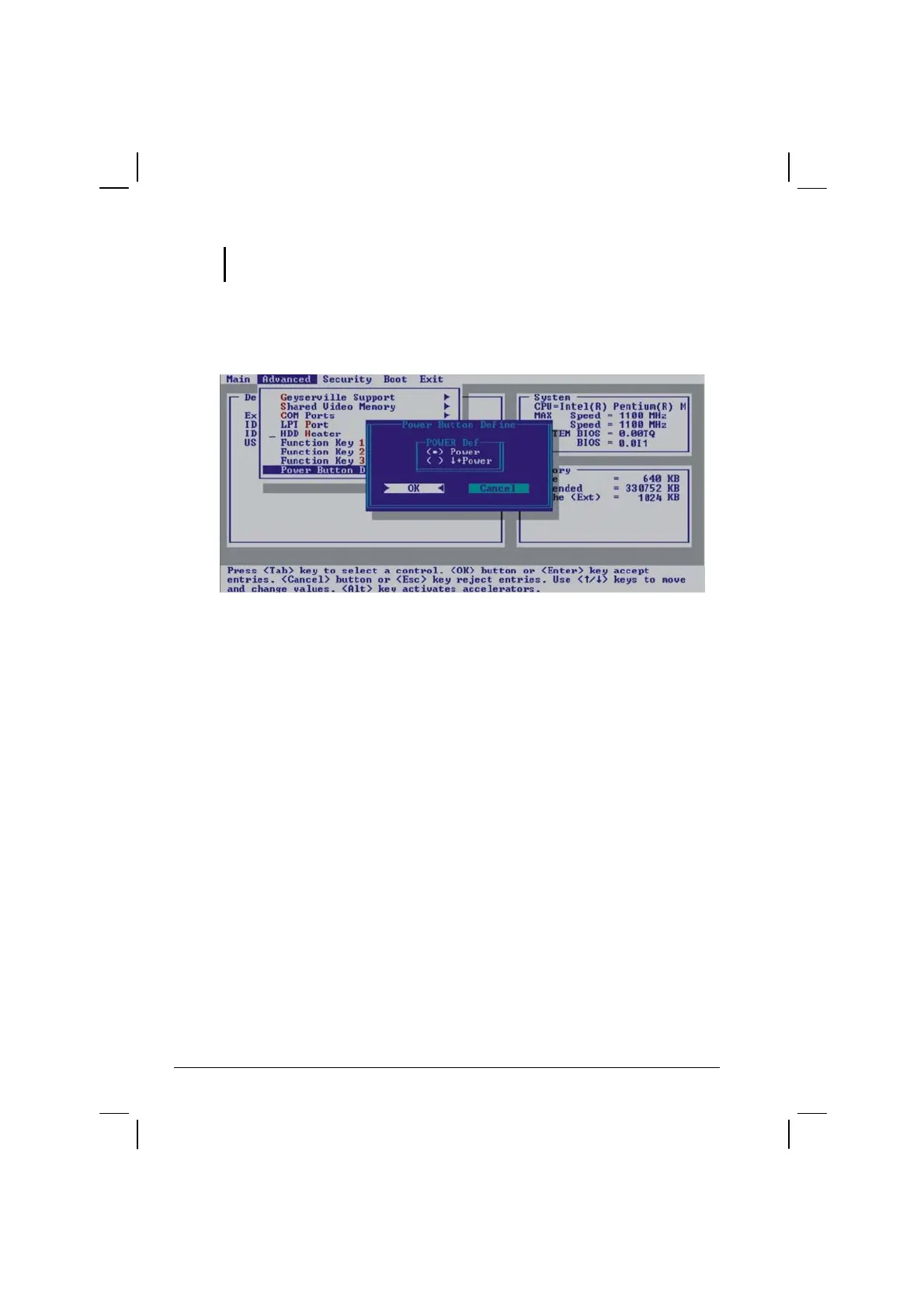
Power Button Define
Allows you to set whether system power on/off would occur by just
pressing the power button (when set at Power) or whether a combination
of the speaker volume / LCD brightness down arrow key located on the
front panel plus the power button (when set at Power) is needed to turn
on/off system power. The latter option prevents an accidental system
turning on/off during transit.



 To Next Page