- 32 -
7. RESULTS of the irrigation activity
Under the title of RESULTS the DREAM 2 supplies information resulting from the
activities of the system. This is the place where you may find the EVENTS
REPORTS, the ACCUMULATORS and the SENSORS LOG RESULTS.
7.1 Events Report
Events occurring in the system generate reports that can be viewed by various
categories:
All reports
Reports of a particular program
Reports of a particular valve
Reports of fertilization
Reports of filtration
In each category there is an option of viewing only the fault reports. The events are
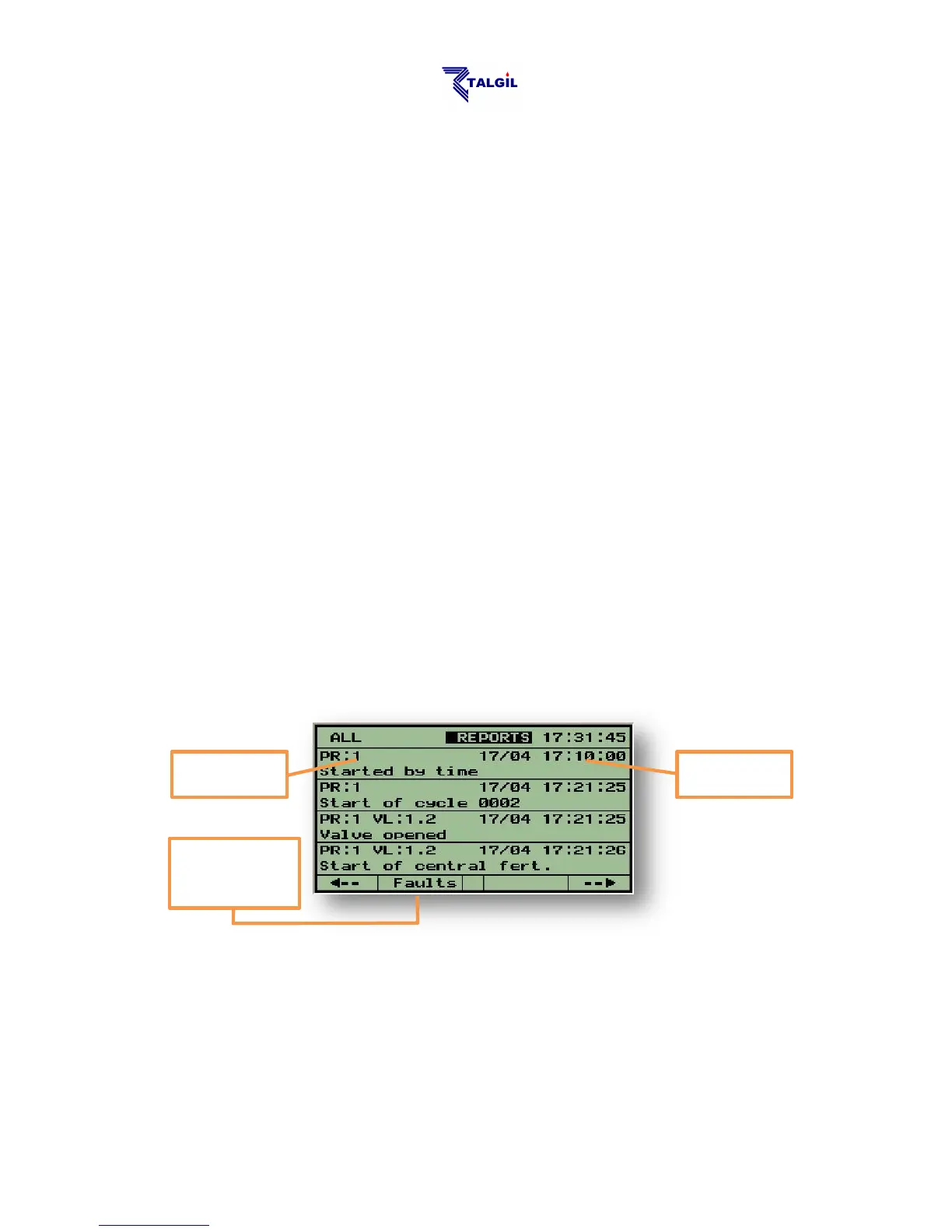
arranged in a chronological order. When entering the reports display the latest 4
events will be shown. Use the () key to view the earlier reports. The following
picture shows an example screen of reports.
When the cursor is placed at the word REPORTS as shown above, pushing
F2="Faults" will display only the fault reports.
Reports can be deleted as follows: if you wish all the reports to be deleted, move the
cursor to any of the displayed reports and then push F2="Del All". If you wish to
delete a single report, place the cursor on the report and push F3="Del Msg".



 To Next Page