- 5 -
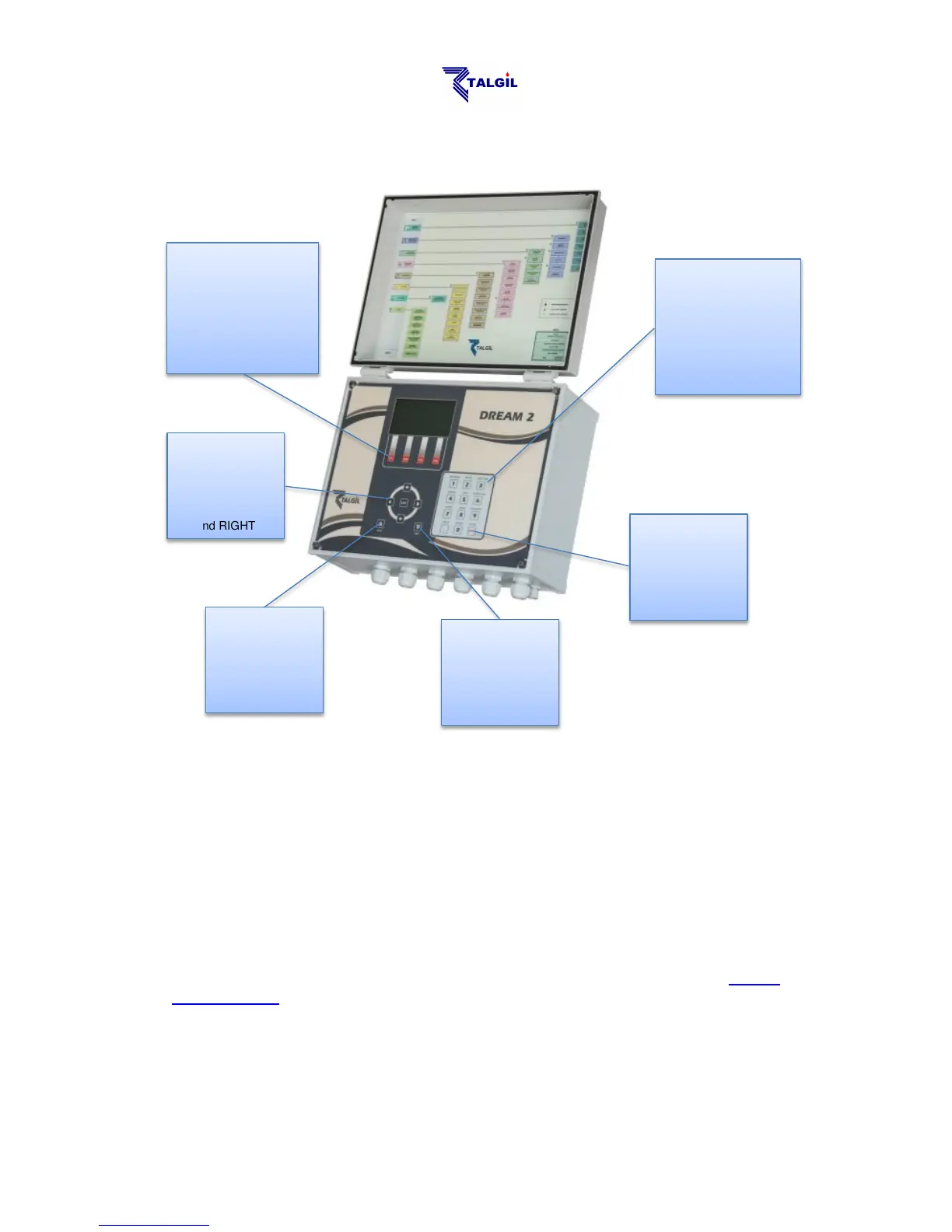
1.1 The Key-board description
1.2 How to Switch-Up and Shut-Down the system
Switching up and shutting down the DREAM 2 controller are activities that deserve
some explanations:
Switching up the DREAM 2 from a switched off state is done in 2 steps:
1. Turning ON the Power Switch
2. Pushing the Start button
About the Power Switch and Start Button see the paragraph of the Power
Supply Board below.
Each time the software is restarted there will be some introductory screens
displayed, then the System manager screen (described below) will appear for a
few seconds and eventually the Main menu of the DREAM application will be
displayed. The user should wait patiently until this stage is reached.



 To Next Page