- 9 -
When the DREAM 2 application starts running, a few activities start in parallel:
The LCD display connected to the CPU board will start showing some
introductory screens until arriving to the Main Menu.
The CPU starts scanning all the Interfaces second by second, sending them
the required status of the outputs receiving back the status of the inputs.
This activity is indicated by blinking of the REMOTE I/O communication
LEDs on the CPU Board and on each of the Interfaces.
Right after starting up the DREAM 2 application, the controller starts looking
for its host server on the Internet, in order to login to the service.
1.5 The concept of the internet communication
The DREAM 2 has 3 options for accessing the internet:
Using a Cellular Modem supplied by Talgil and plugged into the CPU board.
Using an Ethernet card for connecting to a Local Area Network.
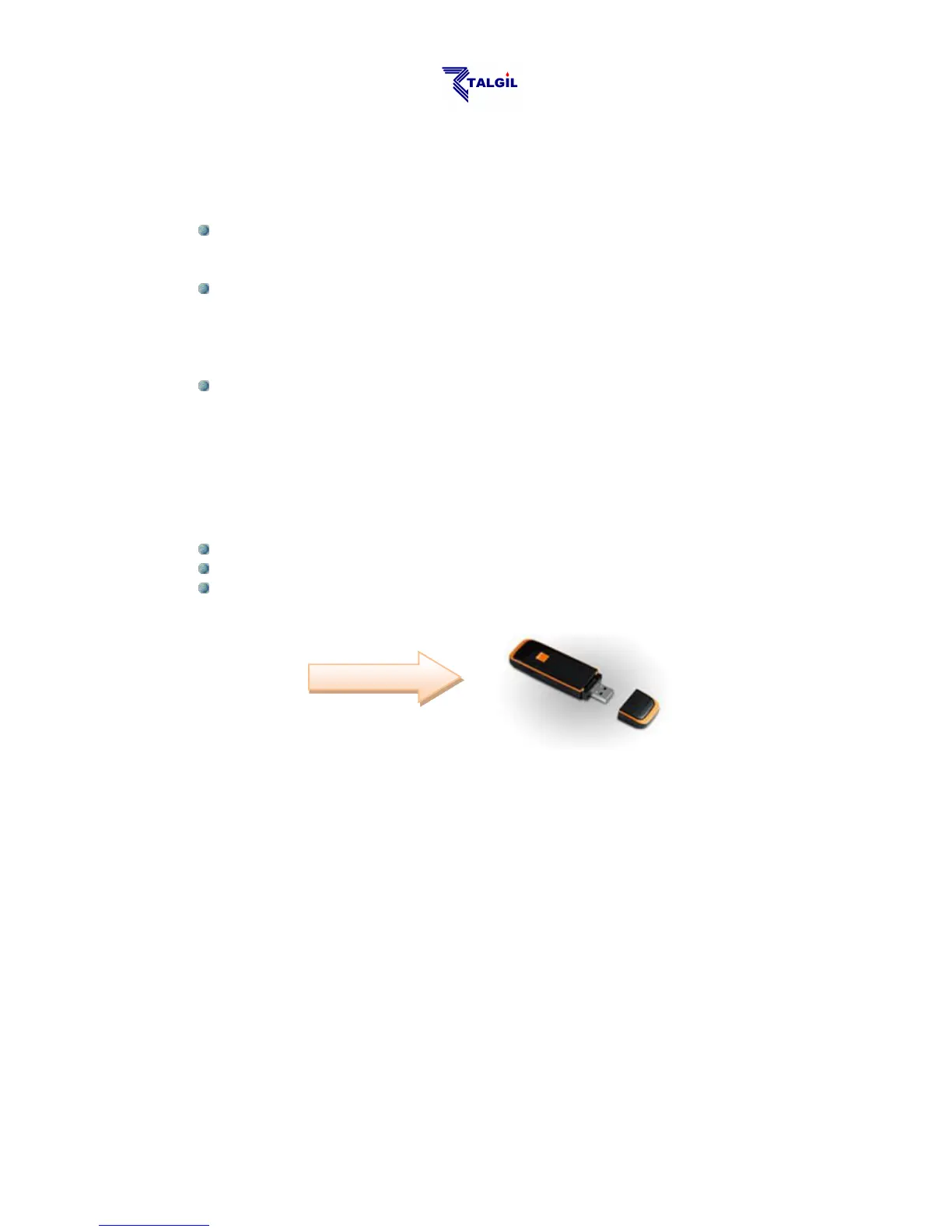
Using a USB Netstick plugged into the motherboard.
The controllers after power up use their internet link to login to the service and stay
online.
As mentioned above, users have two options for accessing the system: one option is
the software package called CONSOLE and the other is the internet site called
SPOT.
Both options enable the users to login to the SERVICE which will coordinate
between users and their controllers. Additionally the SERVICE contains a large
DATA BASE that stores all the information about all the controllers and the
ADMINISTRATION software that decides about who is permitted to access which
controller.
The Server will interrogate all the online controllers repeatedly in order to keep the
DATA BASE up to date, so that users interested in some information about some
controllers, can find it in the DATA BASE.



 To Next Page