Tally Dascom DL-200 User Guide V1.3
3
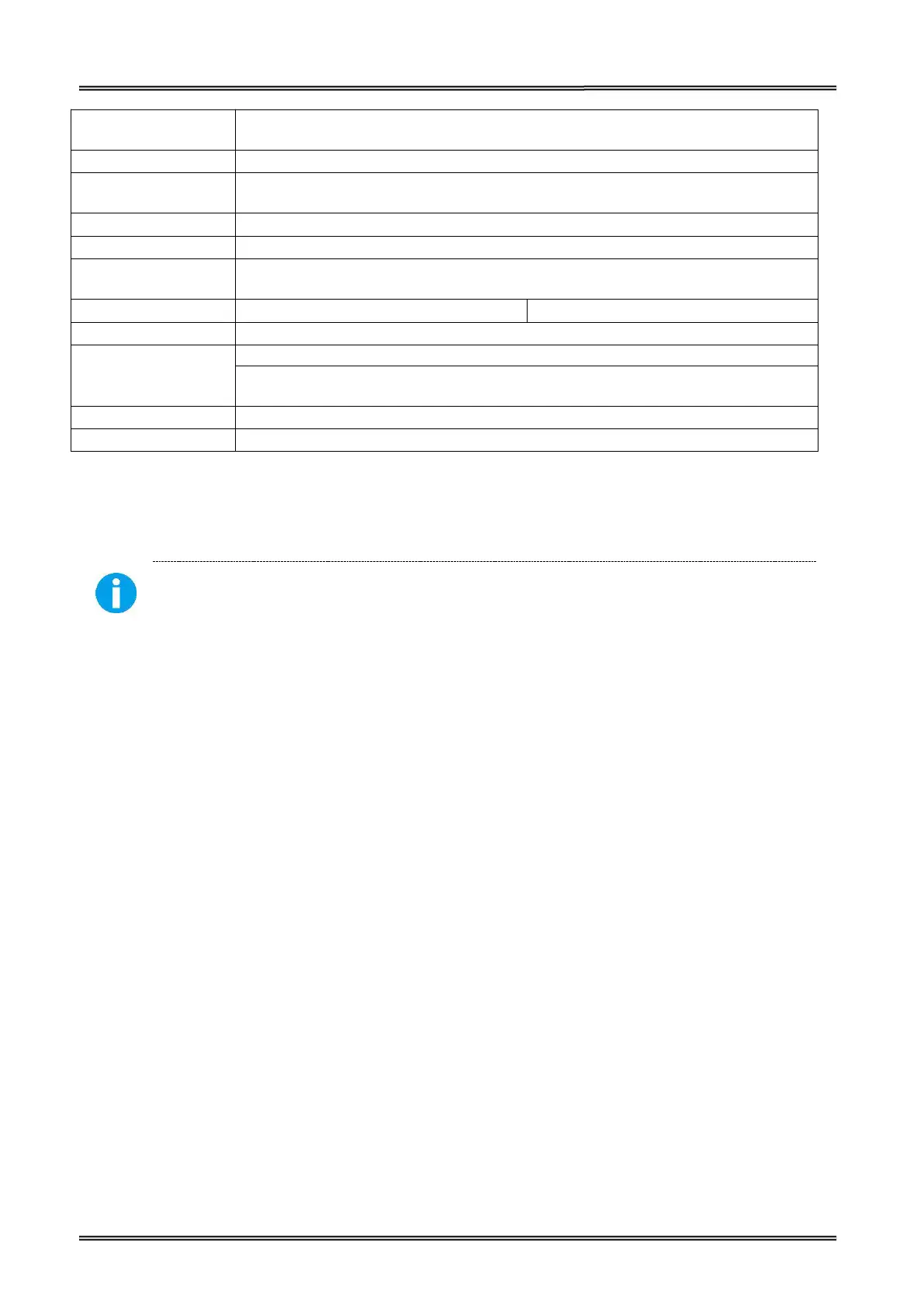
Standard USB2.0
Options: Parallel / Serial / Ethernet / Wi-Fi / Bluetooth
Windows XP, 7, 8, 8.1, 10 (32 bit / 64 bit)
5~40℃ 20%~95%RH (non-condensing)
-40~60℃ ≤95%RH (non-condensing)
External adapter 100-240VAC
,
50/60Hz
Standard: 241.1(D)×207 (W)×172.5(H) mm
Big Roll Model: 277.7 (D)×207 (W)×208(H) mm
Print Head Life: 150km
(Condition: use specific thermal roll paper and the print rate is 12%)
Important •Dascom strongly recommends the use of Dascom-brand supplies for
continuous high-quality printing.
Your printer can use various types of media:
• Standard media—Most standard (non-continuous) media uses an adhesive backing that sticks
individual labels or a continuous length of labels to a liner.
• Continuous roll media—Most continuous roll media is direct thermal media (similar to FAX paper)
and is used for receipt or ticket style printing.
• Tag stock—Tags are usually made from a heavy paper (up to 0.0075in./0.19mm thick). Tag stock
does not have adhesive or a liner, and it is typically perforated between tags.
For more information on basic media types, see the following table.
The printer typically uses roll media, but you can use fan-fold or other continuous media too. Use the
correct media for the type of printing you require. You must use direct thermal media.When printing
without a ribbon, you must use direct thermal media. When using ribbon, you must use thermal
transfer media.


 To Next Page