Tally Dascom DL-200 User Guide V1.3
21
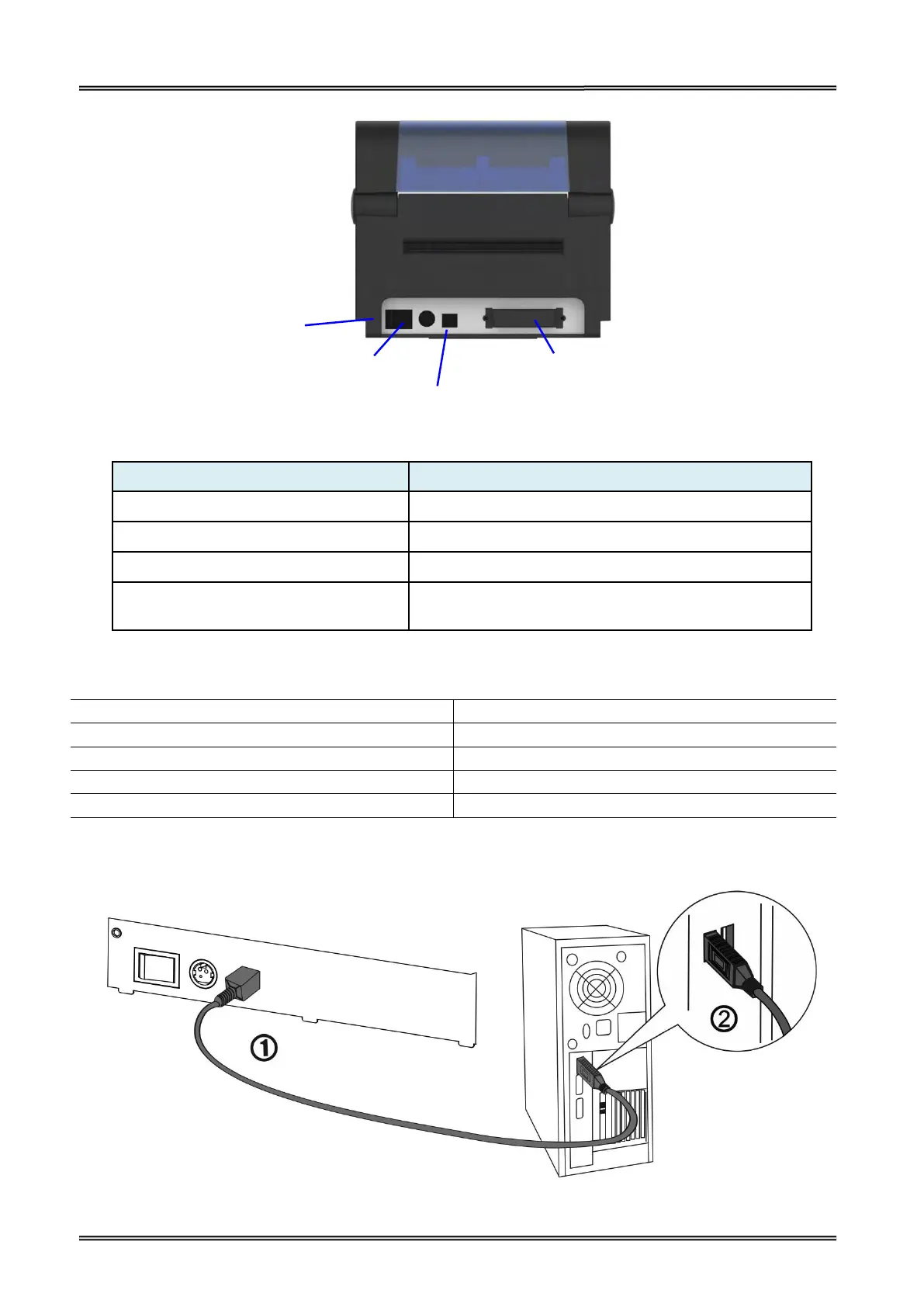
Connect power cord to the printer
For switching on/off printer
Connect USB interface cable from host
Optional interface
(Serial/ Parallel/ Ethernet/ Wi-Fi)
Connect optional interface cable from host
(interface type is on request)
Connection cable must comply with the following requirements:
10 Base-T/100 Base-TX compatible
2.7.1 Connecting USB interface
Optional Interface
(Serial/ Parallel/ Ethernet/
Wi-Fi/ Bluetooth)



 To Next Page